Week 9
Ashley Hi's Talk, Arduino Workshop
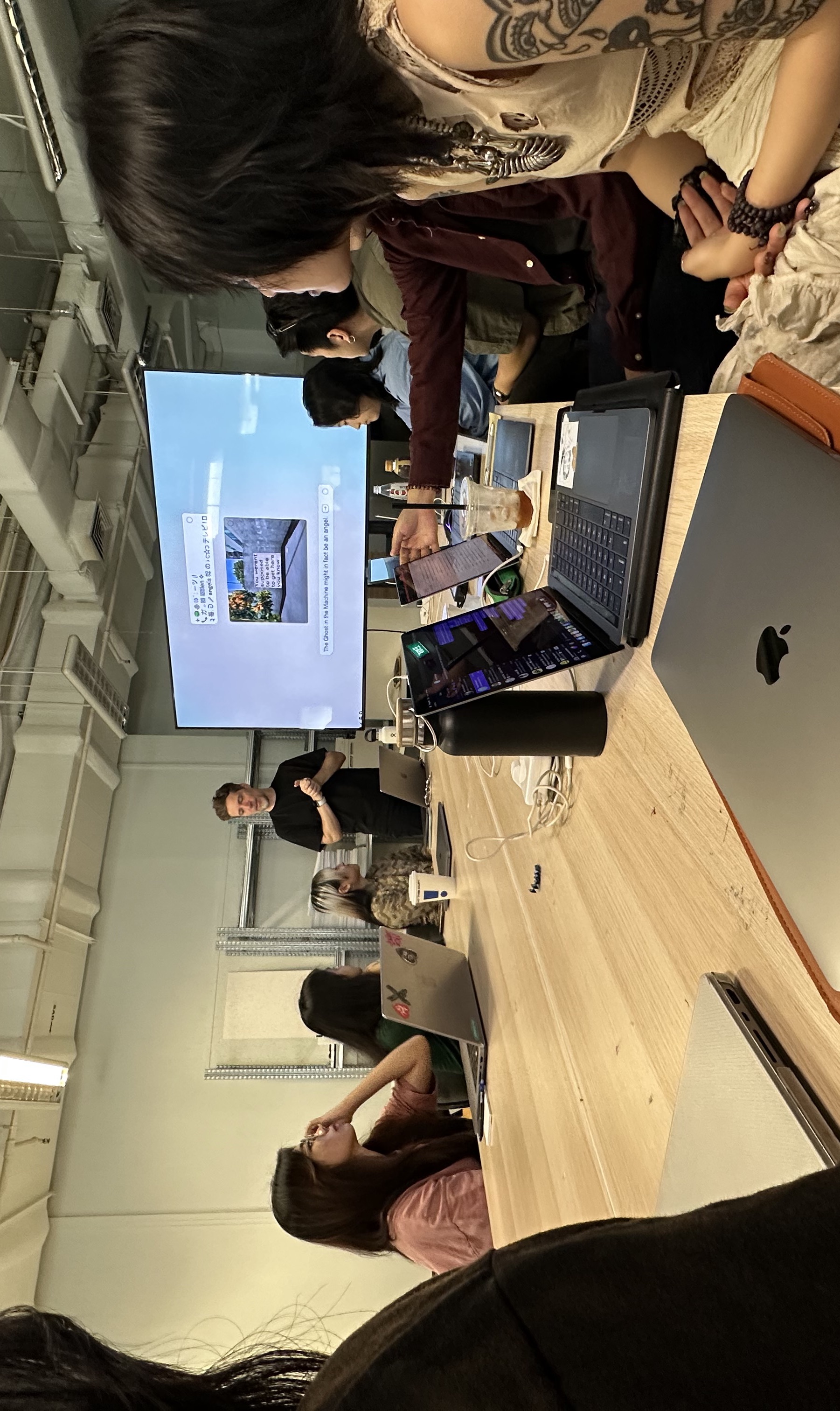
Ashley's Talk
This week we had Ashley from Feelers Feelers come in to share the work that her studio has been doing. I actually was surprised by how much of her sharing was aligned with the research I had been doing so far, a sentiment shred by many of my peers as well. One of the things that I learnt was that, when we think about a certain technology, we should consider not just the effects of it at face value, but also the systems behind it.
1. Thinking in Systems
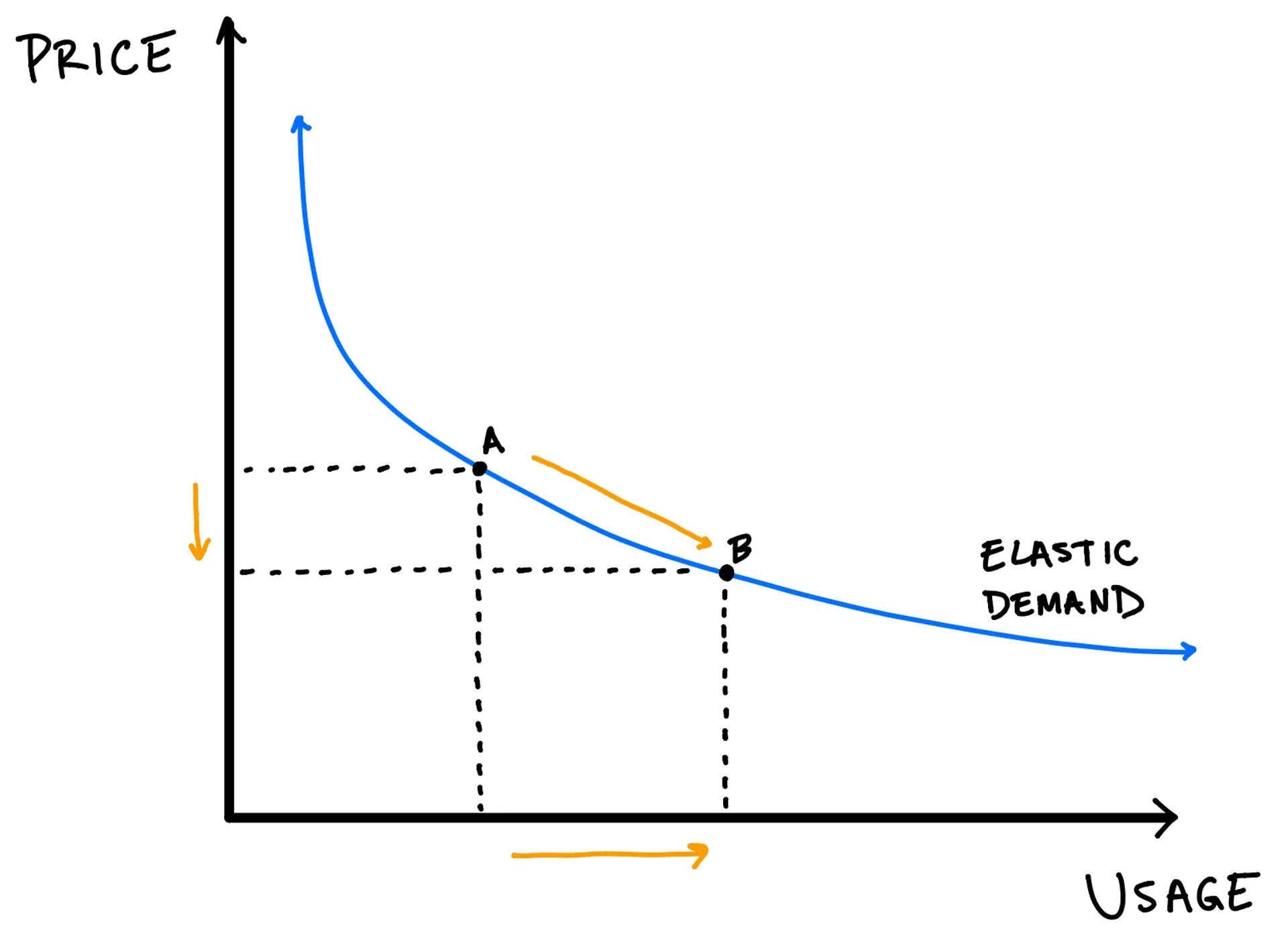
Jevon's Paradox

Unintended Paper Wastage
For example, the Jevon's Paradox explains how an increase in efficiency in technology aimed at
reducing environmental impact can actually lead to an increase in consumption. One instance
where this can be seen is in the increasing reliance on cloud storage. While the intended effect
is to reduce the amount of paper used, the environment impact has just been shifted to the
immense amounts of energy it takes to maintain cloud storages. Additionally, paper usage has not
actually decreased, because the ease of document creation and sharing has led to much more
documents being created, and as a result, the amount of hard copies printed remain steady, or
increase.
This is perhaps a relevant example of Anne Balsamo's technoculture, in which she emphasises the
importance of studying the cultural effects of new technologies, in order to avoid unintended
consequences. This brings me to the importance of thinking about the systems that surround a certain
technology. This involves thinking intersectionally, considering more than just the direct impact,
but also social-cultural, economic and environmental factors.
2. Ecological Impact
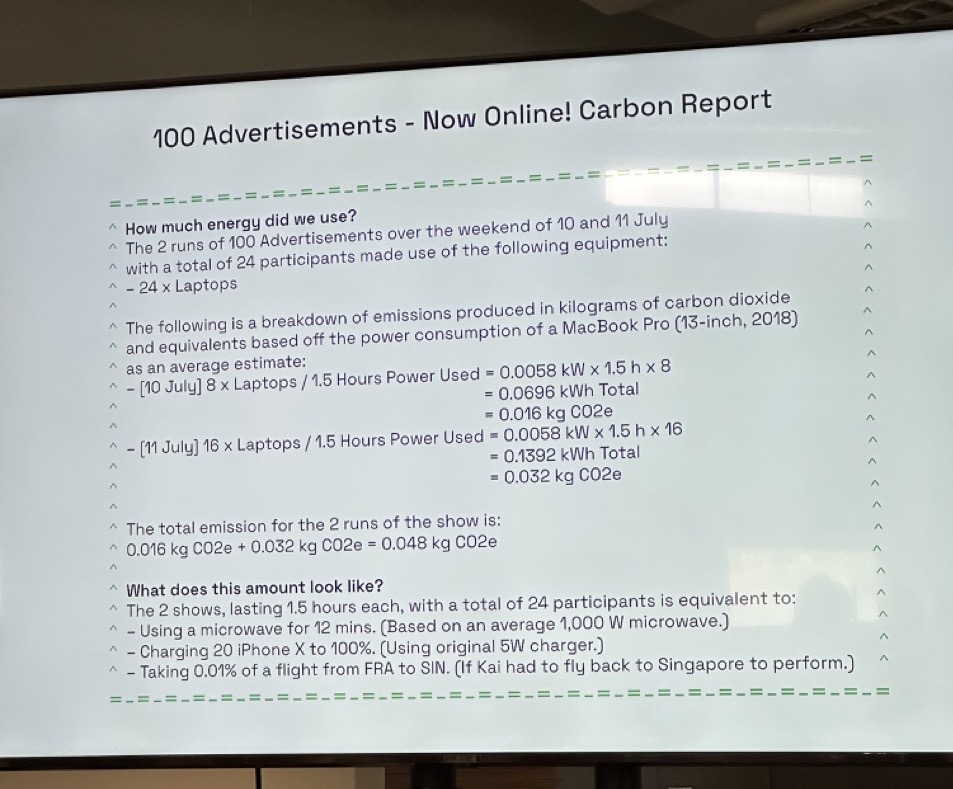
Carbon Footprint of a Zoom Performance
We've heard plenty about the ecological impact, and I've always roughly known what it was about, but having Ashley put it in the context of artistic and design practices was eye-opening. When we make websites for example, she listed a bunch of ways that we could reduce the amount of energy use like image sizes, using certain image formats, font file types, etc. As designers, it's easy to get caught up in making things nice to look at, but there is an increasing responsibility for all of us to find a balance between what looks good and puts less damage into the world.
3. Evoking the Imagination/Metaphors
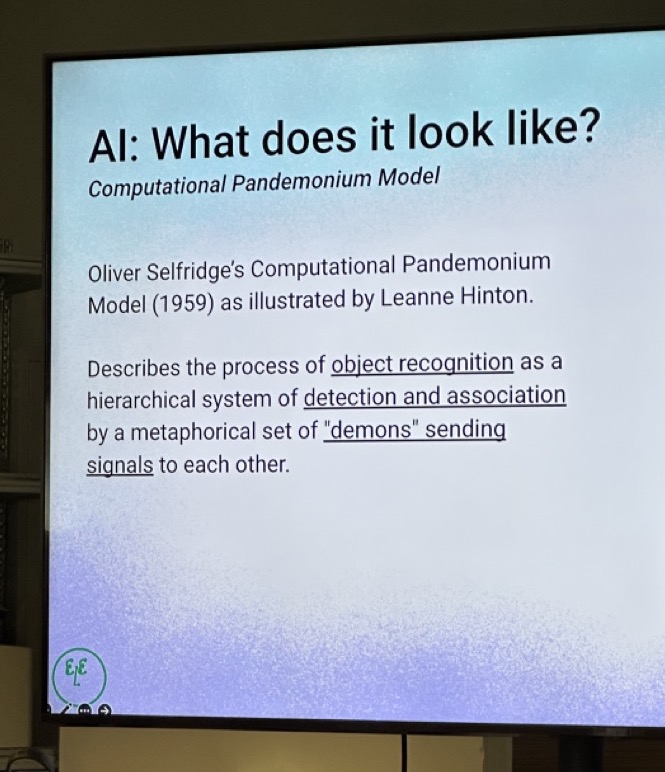
Oliver Selfridge's Computational Pandemonium Model
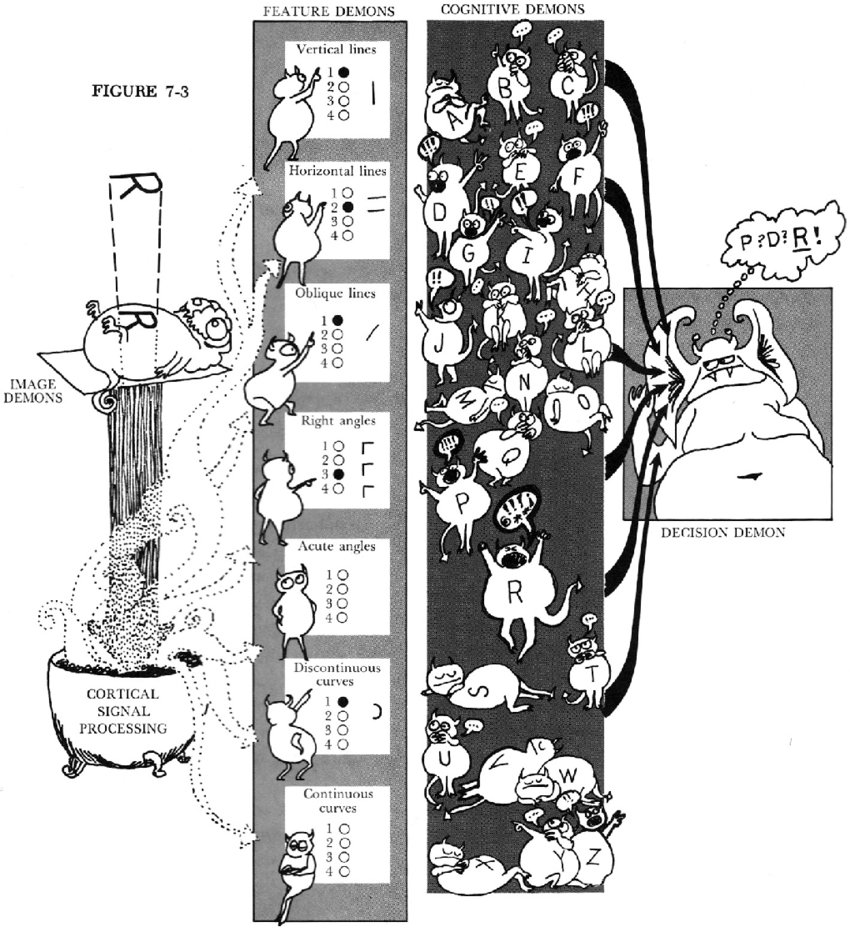
Ashley introduced the Pandemonium Model by Oliver Selfridge, a creatural take on explaining a pattern learning system that translates morse code into text. I immediately loved how easy it was to understand simply because it was put into a narrative. However, I started wondering about the use of a demon character and why it was chosen. I found an article, Blueprints of Intelligence, in which the author discusses the use of creatures, or recognisable entities when discussing AI. Do these analogies really help us understand the technology better, and what are the implications that arise with each new element of imagination we choose?
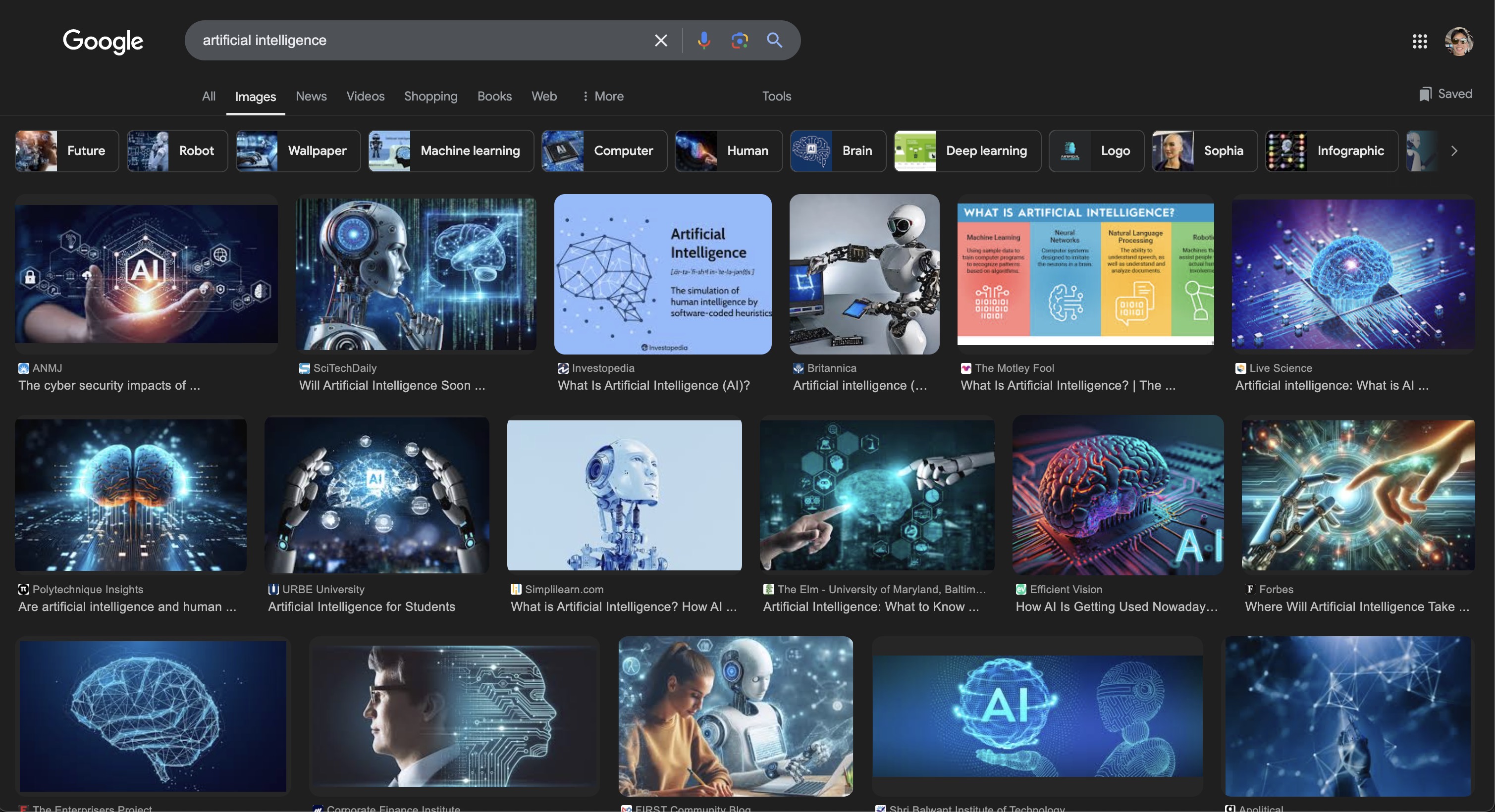
Google: 'Artificial Intelligence'
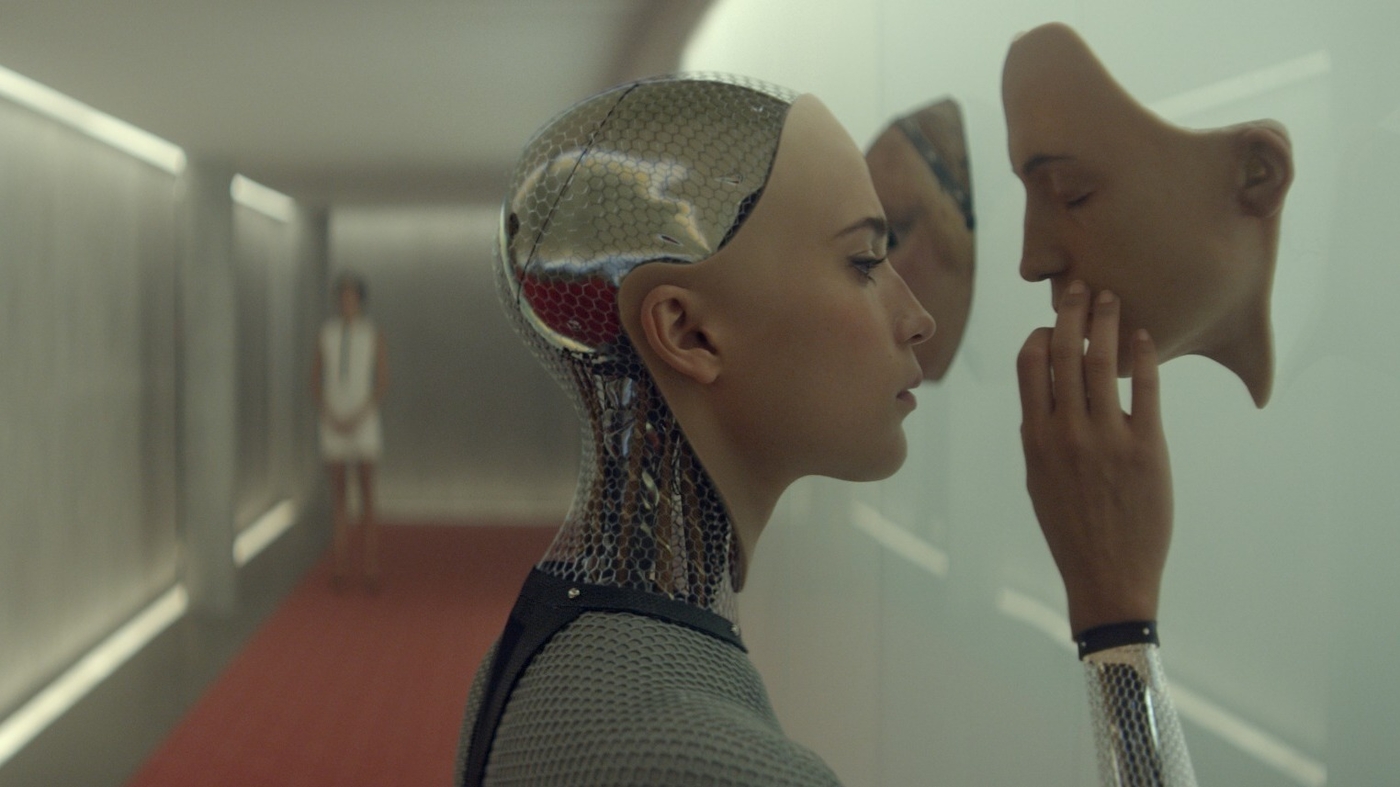
Ex-Machina
With the recent rise in AI accessibility through tools lke ChatGPT, Midjourney, or even Apple
Intelligence, we do not think of AI in the same way we might have a decade ago. Gone are the days
where the common perception of AI manifest as robots or circuit boards.
As AI becomes more complex everyday, the battle to make it more understandable to the general public
becomes increasingly important. It is thus important to consider how we represent AI in our practice.
Question for Ashley
At the end of the talk, I asked Ashley to tell me more about how divination was spoken about in
Feelers’ workshop. She talks about how even “secular” entities such as data centres in Singapore
turn
to fengshui masters/priests(?) for guidance in their architecture.
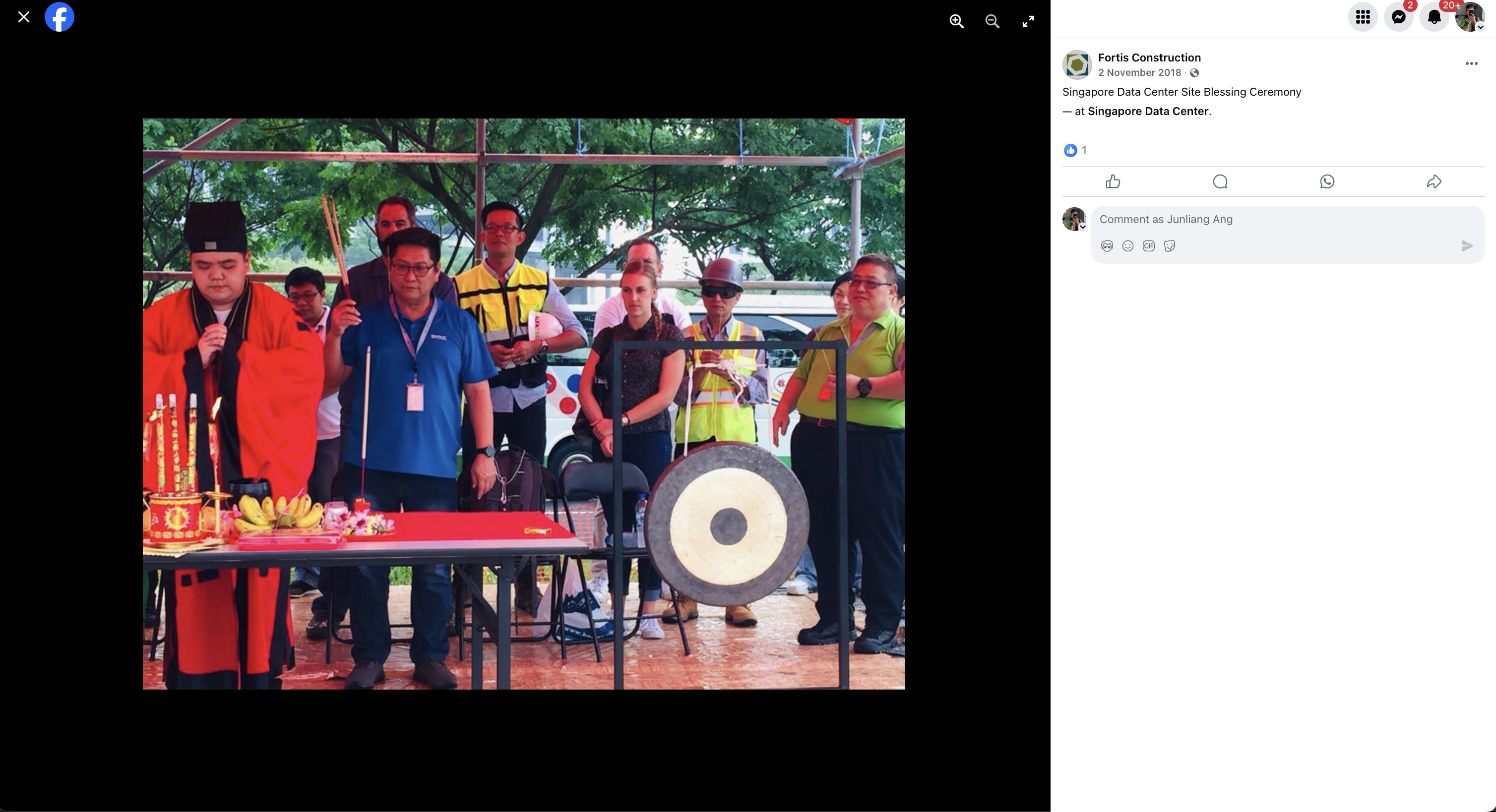
This reminded me of the wall street
psychics who assist with market readings through the cosmos. Over lunch, Alda told me about how in
her
secondary school (a buddhist school), the students were gathered for blessing on a “examination
blessing day” for better results. Ashley also talked about how fengshui is used in cable management,
which is such an interesting juxtaposition to me.
I find it interesting how, even in secular communities, especially those associated with data and
education (the very things that veer us away from irrationality and uninformed decision
making(rephrase), divination is practiced for better outcomes.
It further proves my theory that this is not a project simply about the metaphysical world. Our
mystical impulses of ancestral roots influence our behaviour even in the most unexpected places,
much
less through our devices, ones that we spend so much time on every single day?
Arduino Workshop
We then had a workshop with Andreas in which we were taught how to set up a basic Arduino system with different inputs and outputs.
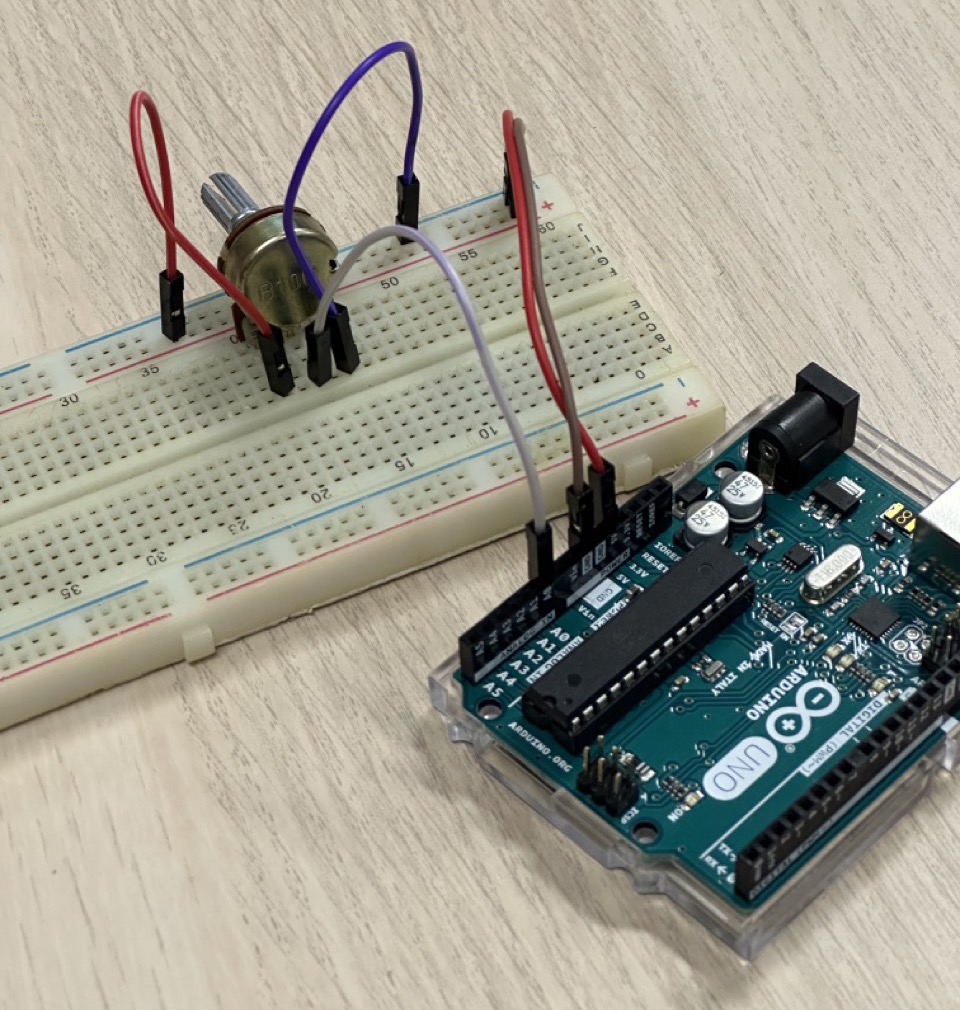
Basic Setup with Arduino Uno, Breadboardand Potentiometer
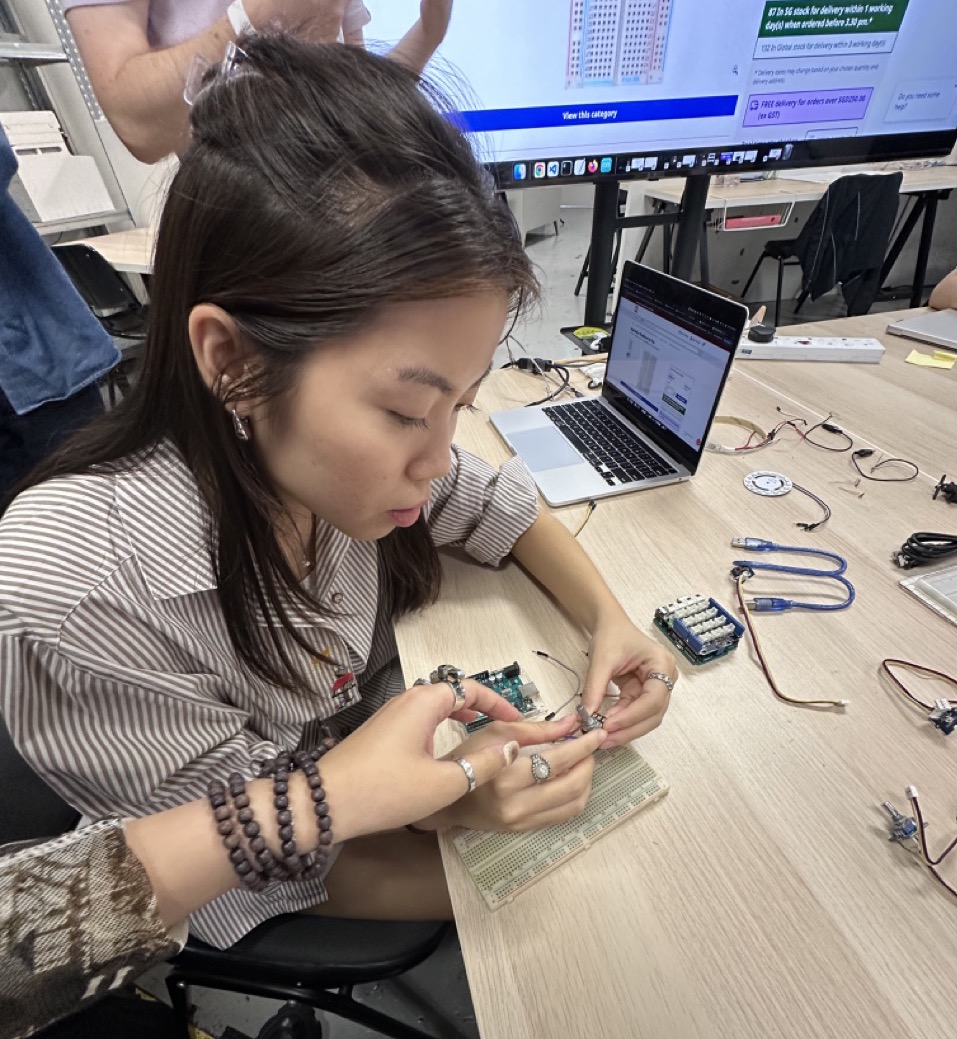
Struggling...
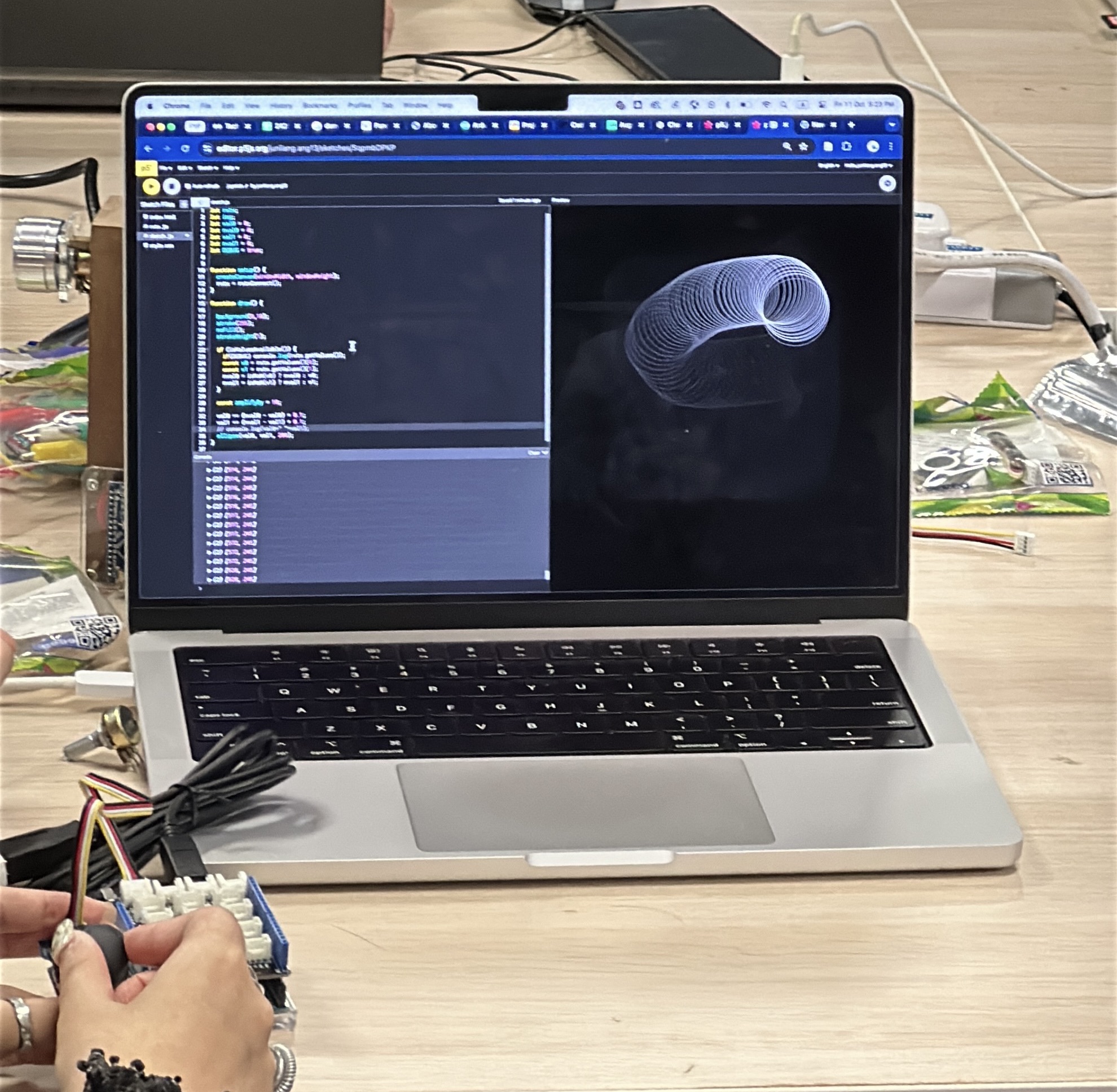
Joystick to Moving Visual in p5.js
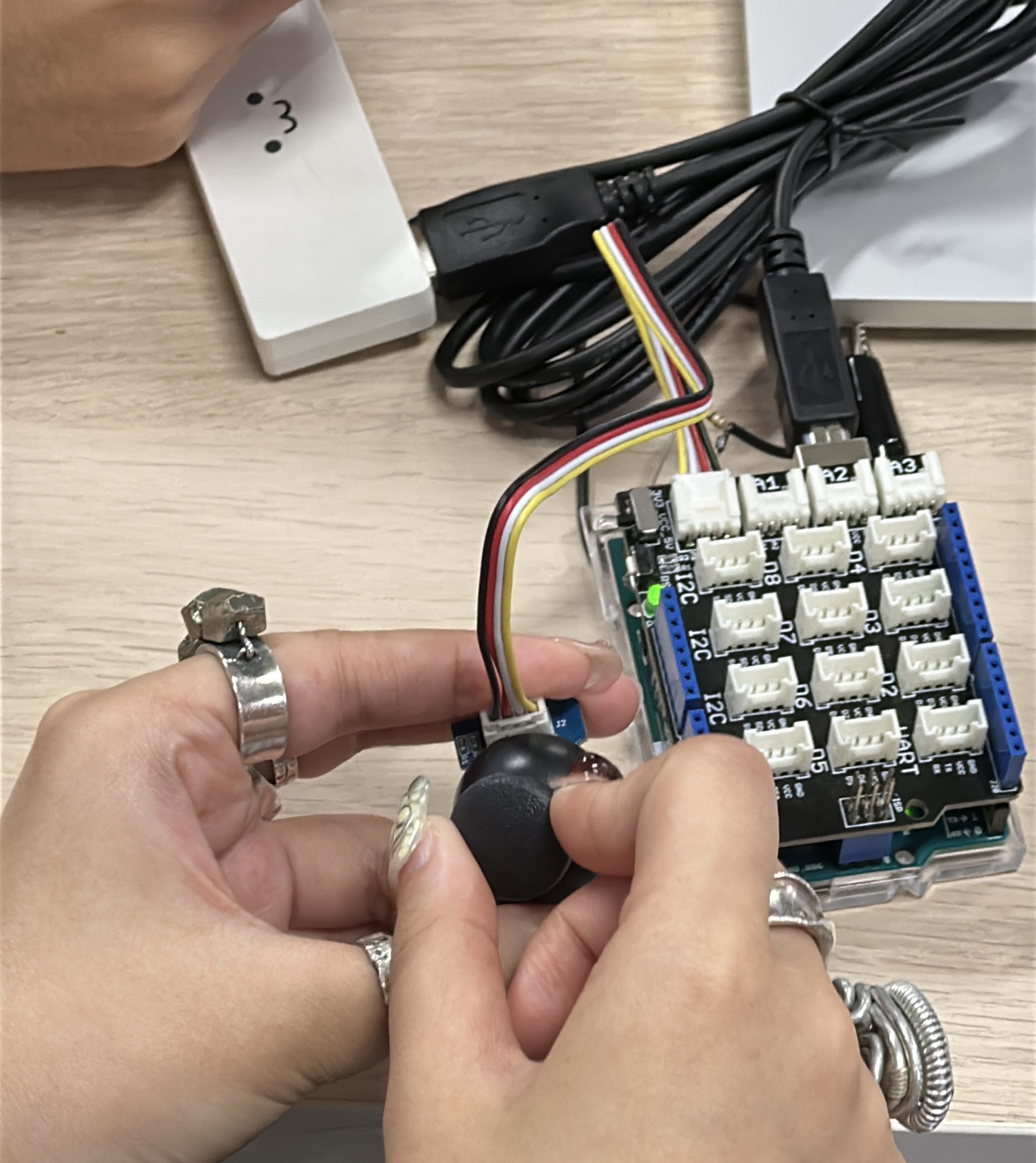
Joystick Configuration
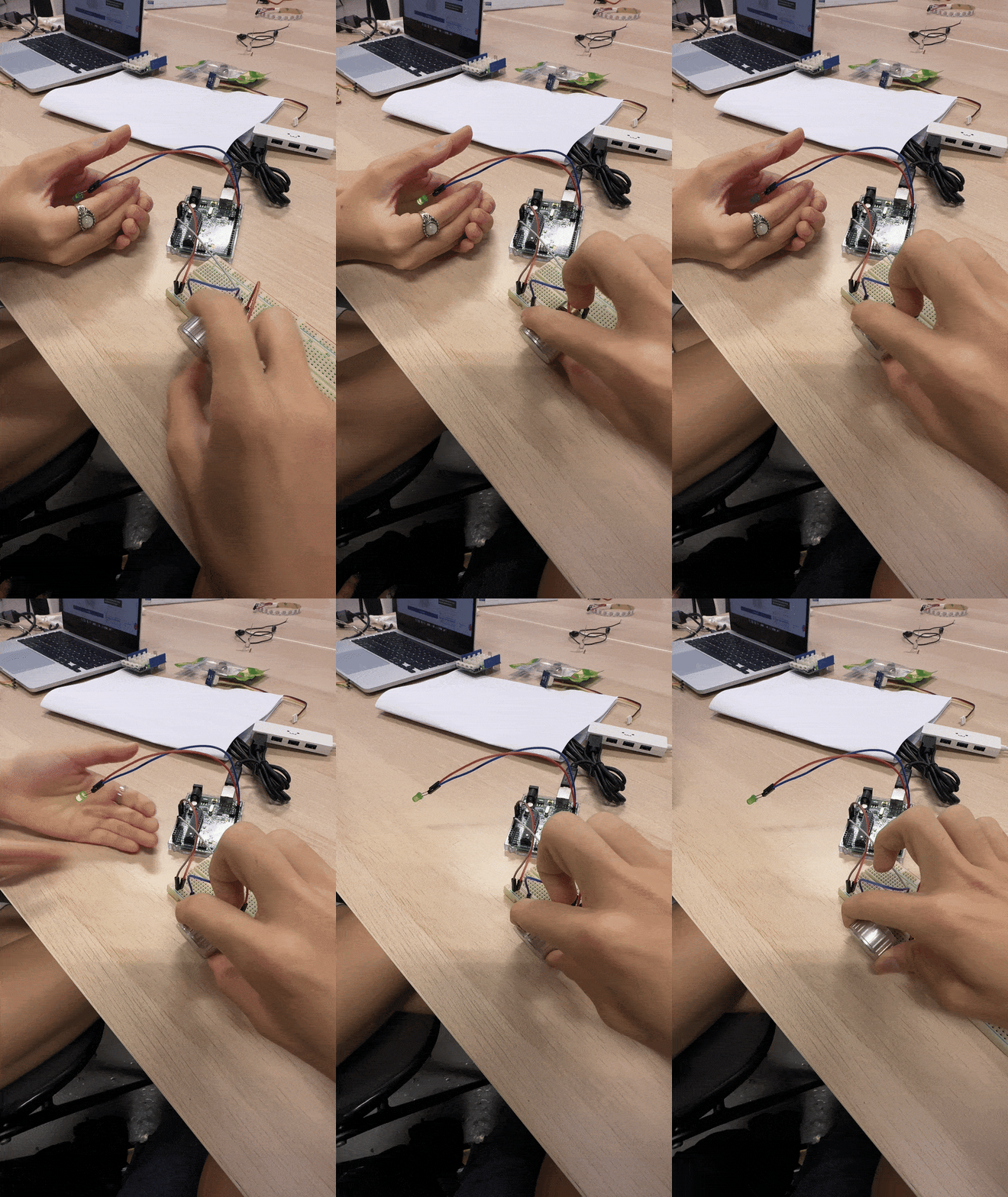
Potentiometer + Light
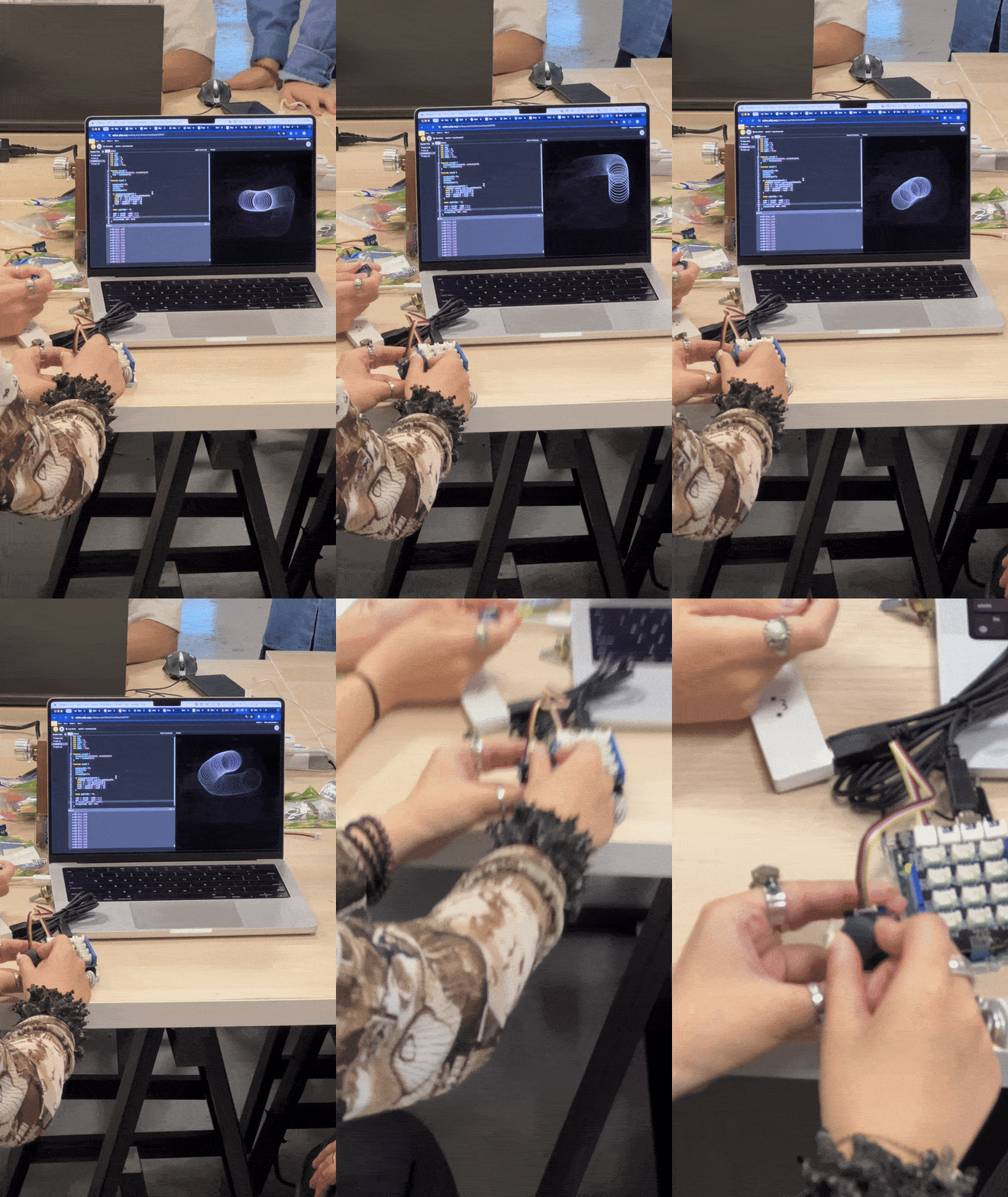
Joystick Game
Buying an Arduino
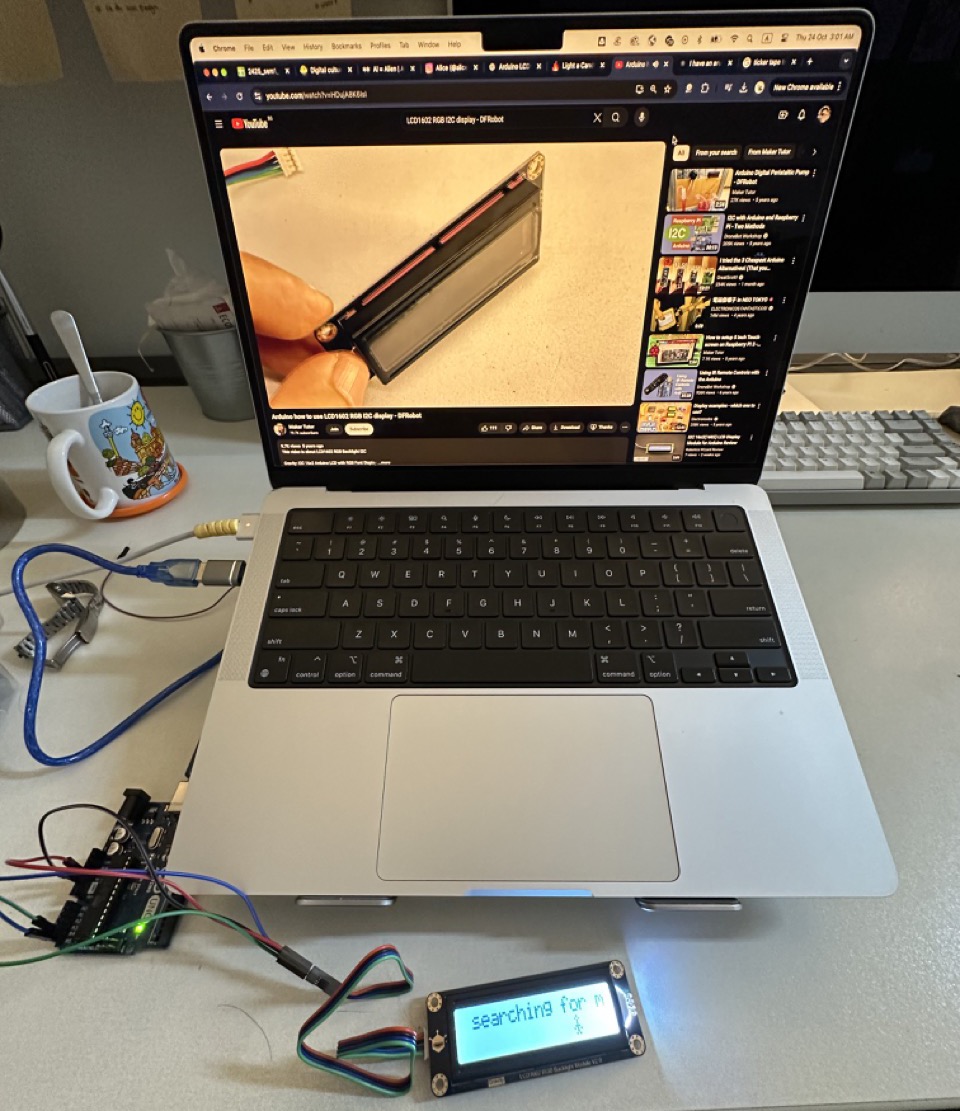
Having done the workshop, I wanted to see what I could do more with the arduino. I then bought a 16x2 LCD screen at Sim Lim, and then bought an Arduino Uno off Carousell.
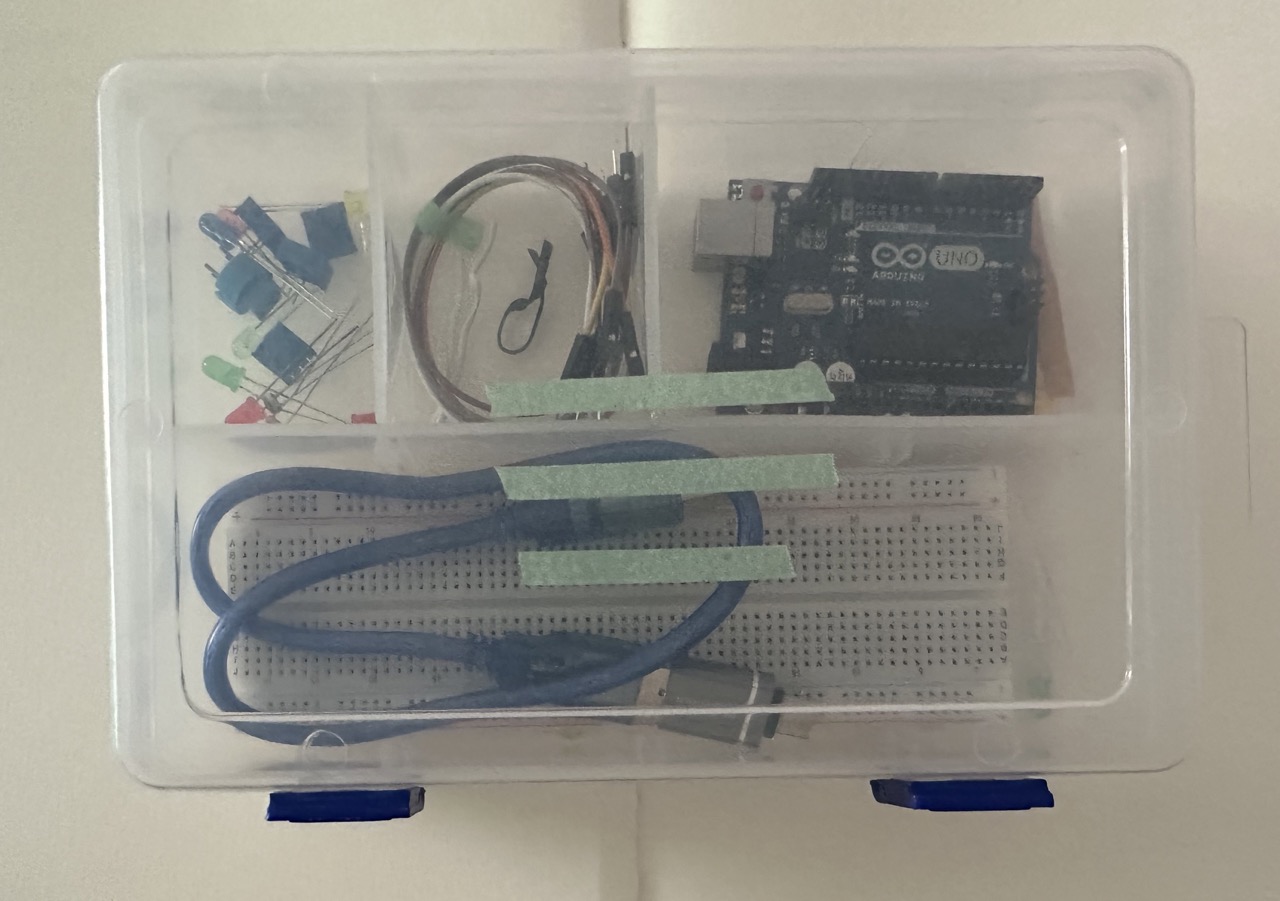
Arduino Kit, containing breadboard, jumper cables, LED lights etc.
These were the tools I had to work with.
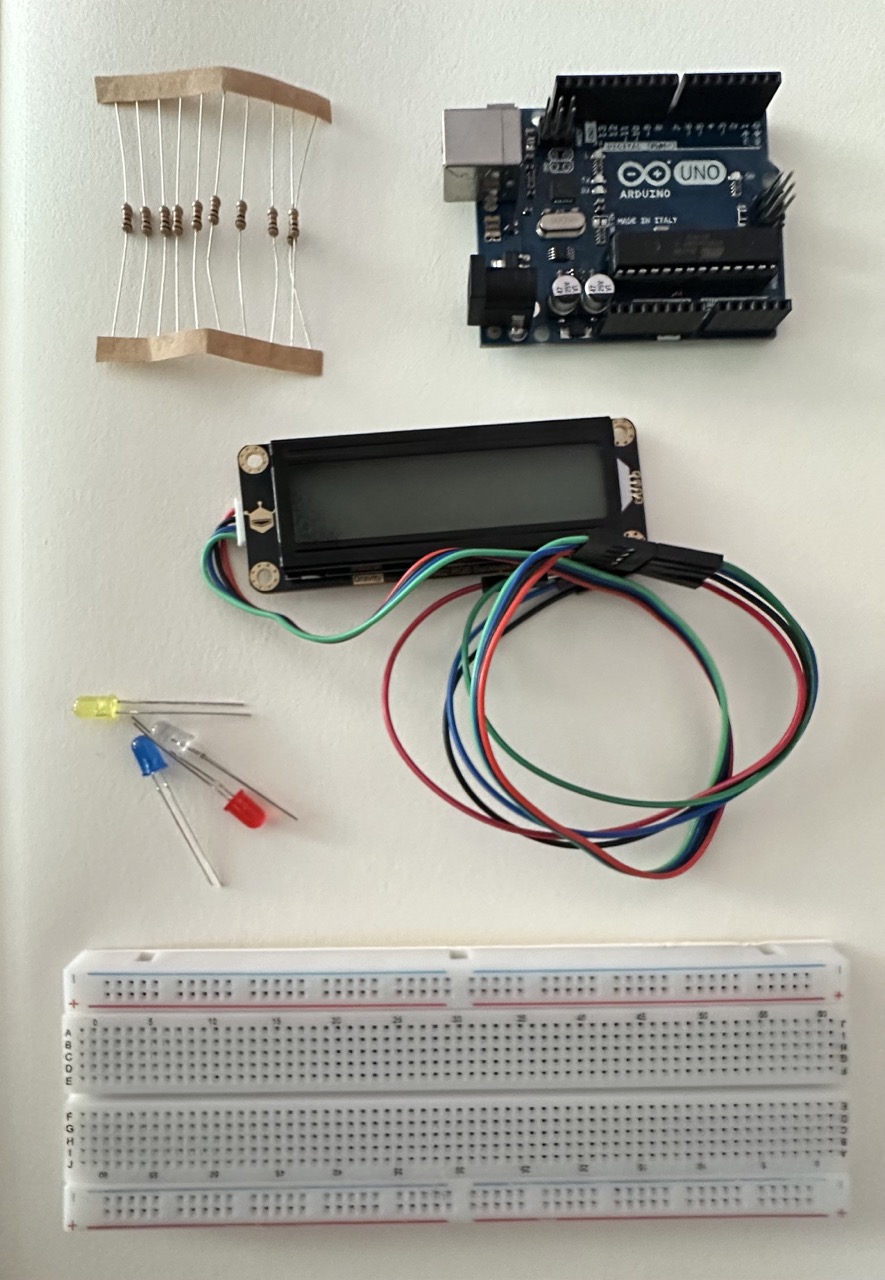
Arduino Kit, containing breadboard, jumper cables, LED lights etc.
Arduino Kit, containing breadboard, jumper cables, LED lights etc.
Following the tutorial, I then experimented with how to work with the screen. It took me a while to
figure out how to place the wires. I was expecting this to be fairly simple but as one does, I ran into
a few problems.
The backlight was not turning on and I couldn't figure out why. I enlisted to help of ChatGPT, and they
suggested that I use a library specific for the screen (DFRobot_RGBLCD1602.h) that I was using.
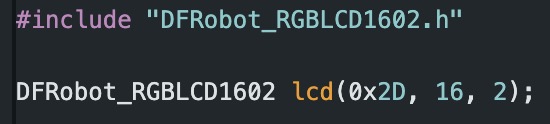
Additionally, I needed to find out the address of my screen (I'm still not hundred percent sure what
this means tbh), but essentially the "0x2D" was wrong, and once I switched it to the right one, It
worked.
Once I got the screen to work, I tried a few different configurations of text, along with a little image of a stickman hovering around, as if he were stuck in the screen.
This was a simple technical exercise for me to understand what I could do with the screen. I would like to explore how I can use sensors to interact with the screen next time.