Semester 2, Week 11
Filming, Open Studios Setup
Filming at Winstedt
I started the week preparing to film my video at Winstead, where I had booked a slot for the photo studio. I had 3 hours (10am-1pm) and no time to waste! The plan was to film Act 2 of the script I wrote last week, and some B-roll for editing.
9:30am: To Winstedt
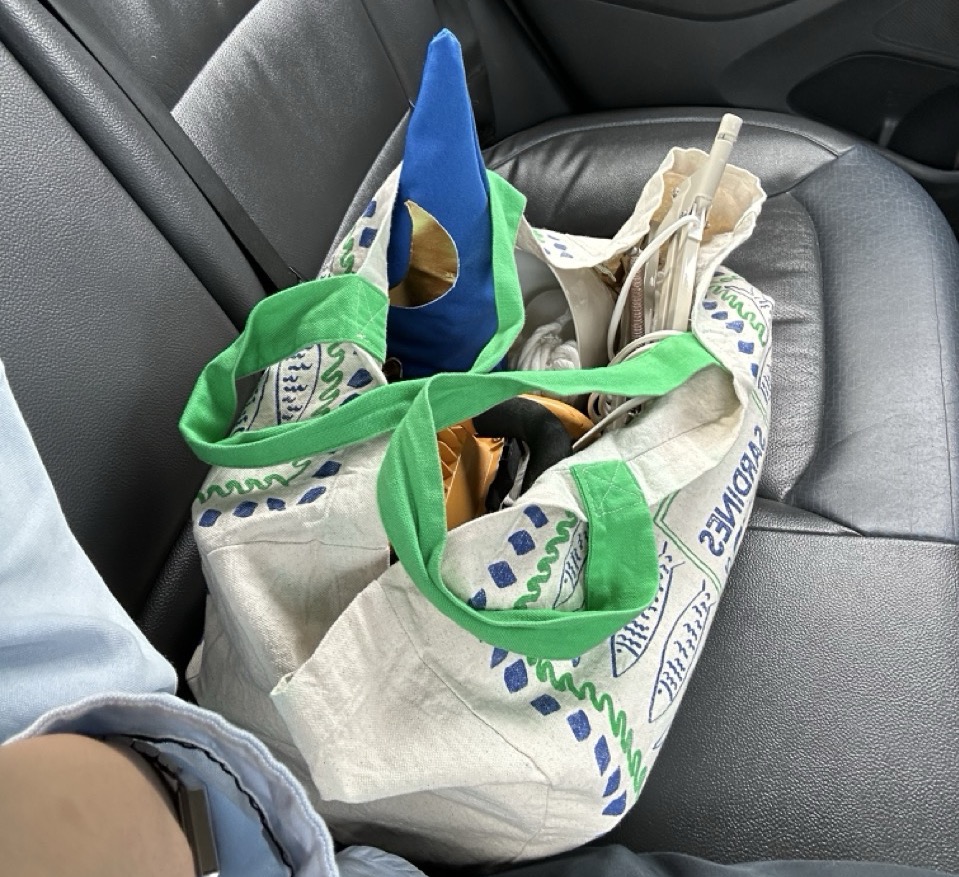
All my tools and equipment in a bag
I had written till late last night so I was pretty tired. Regardless, the wizard isn't conjuring
itself. I packed all my camera, sound equipment, outfit, and other equipment into the bag and headed
to Winstedt.
10am: Arrival and Setting Up
The setup involved a lot of testing, especially since the studio did not have the continuous lights that I needed, and didn't have a room with natural light. I fortunately found an old floodlight in my house that was bright enough for the job. So I had 3 sources of light (ceiling, floodlight, and a table lamp I had brought).
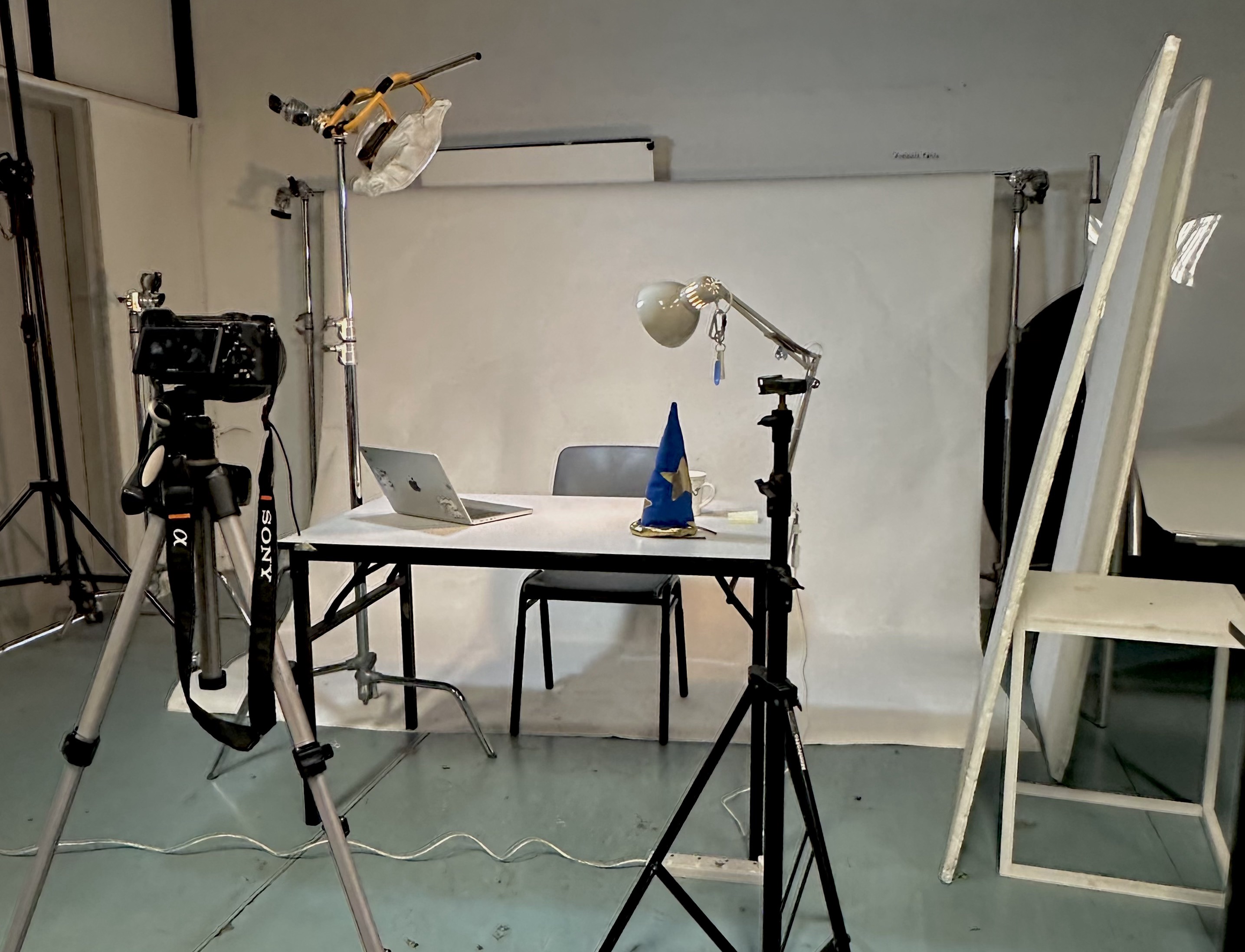
3 Sources of Light, Zoom H1 Audio Recorder, Fujifilm XT-20 Camera
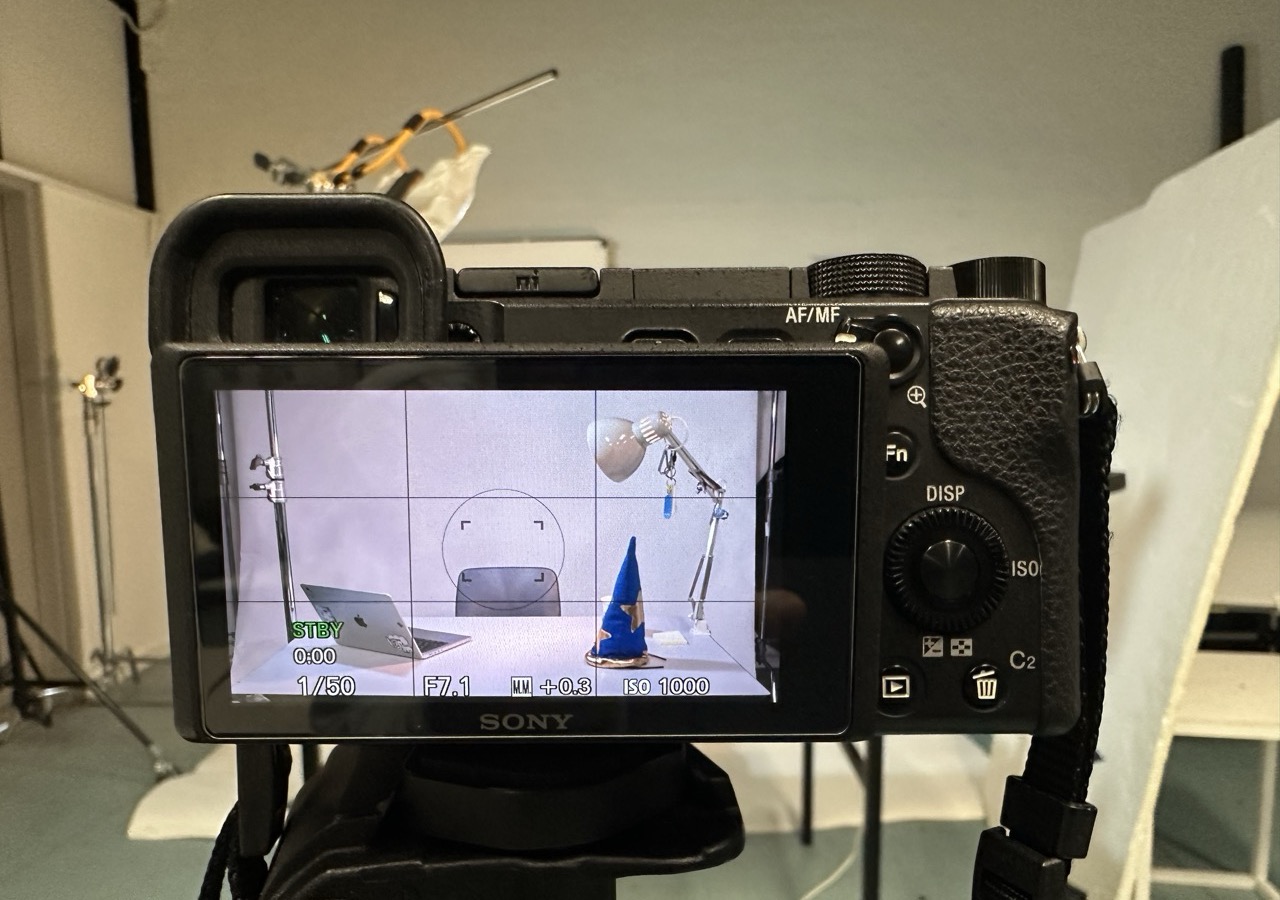
Framing the Video
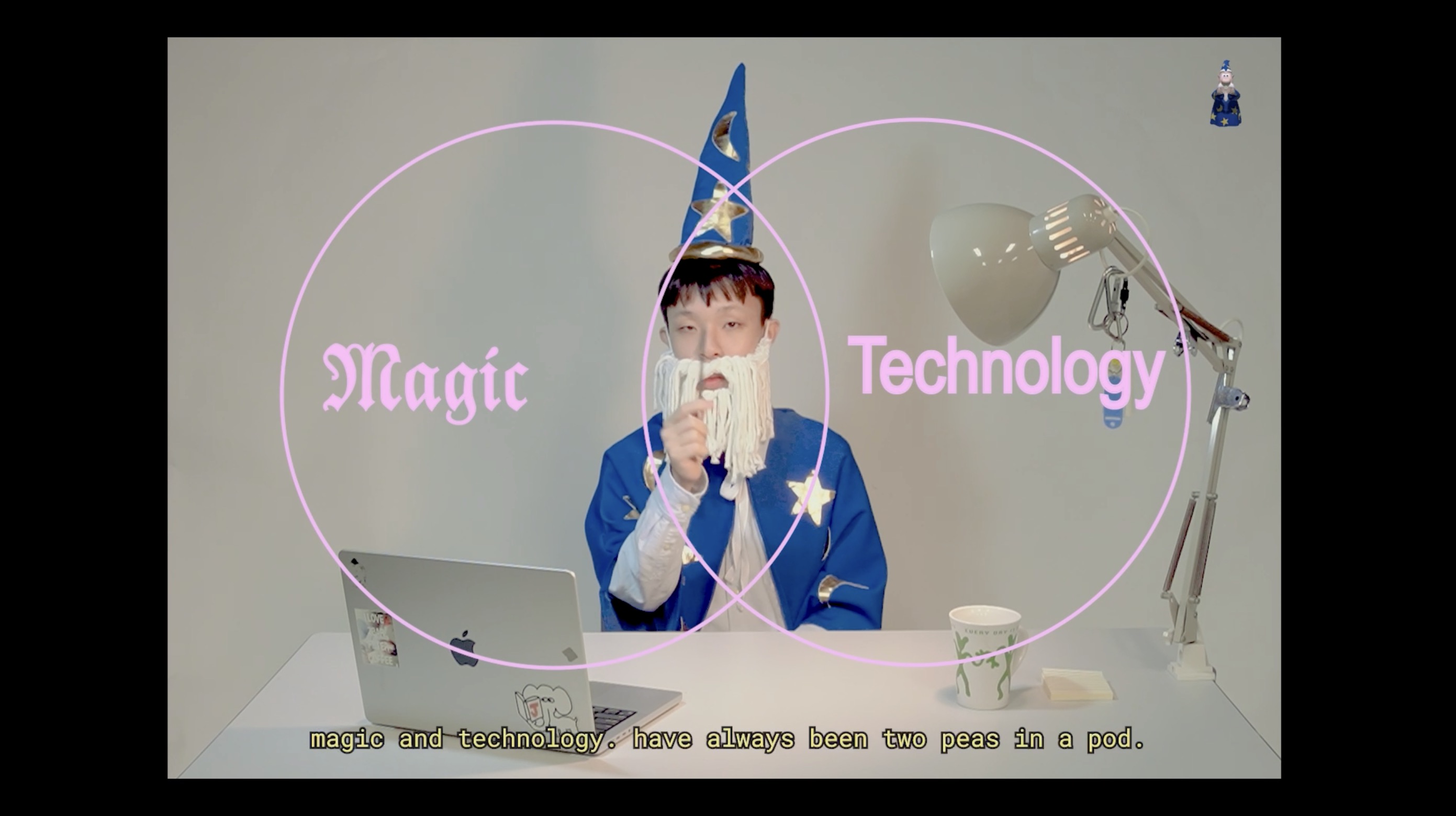
I set up the table with a cup and post-it note to make it look like Merlin was telling this story from his office desk, as I planned. It also ended up feeling a little like a podcast, which I really didn't mind.
Then, I got into character. By the time I was done with setup and costume, I was left with an hour and a half to film, which I thought was enough (but not really). Regardless, the wizard isn't conjuring itself. I prepared my script and started to film.
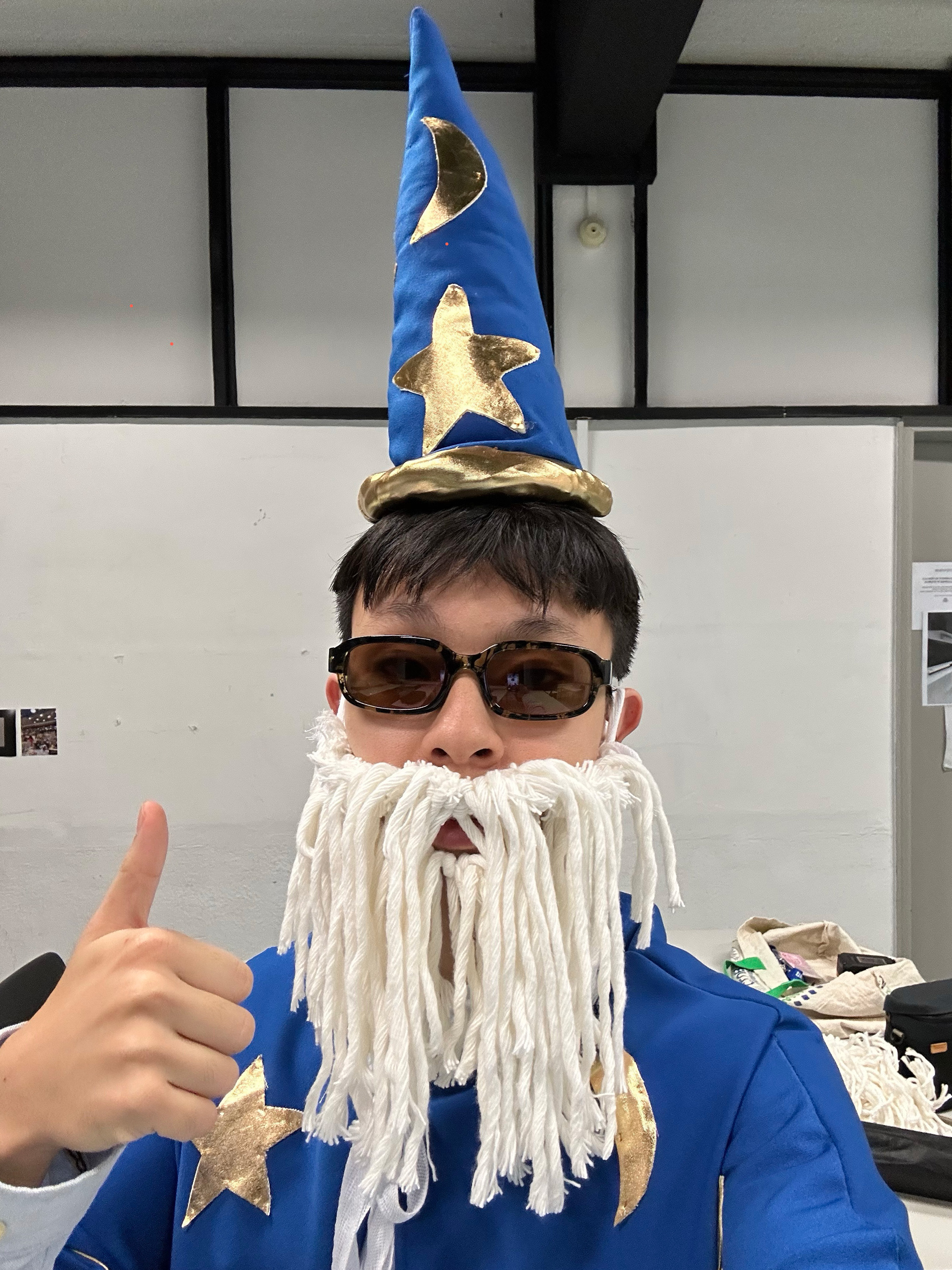
Getting into Character
11:30am: Begin Filming
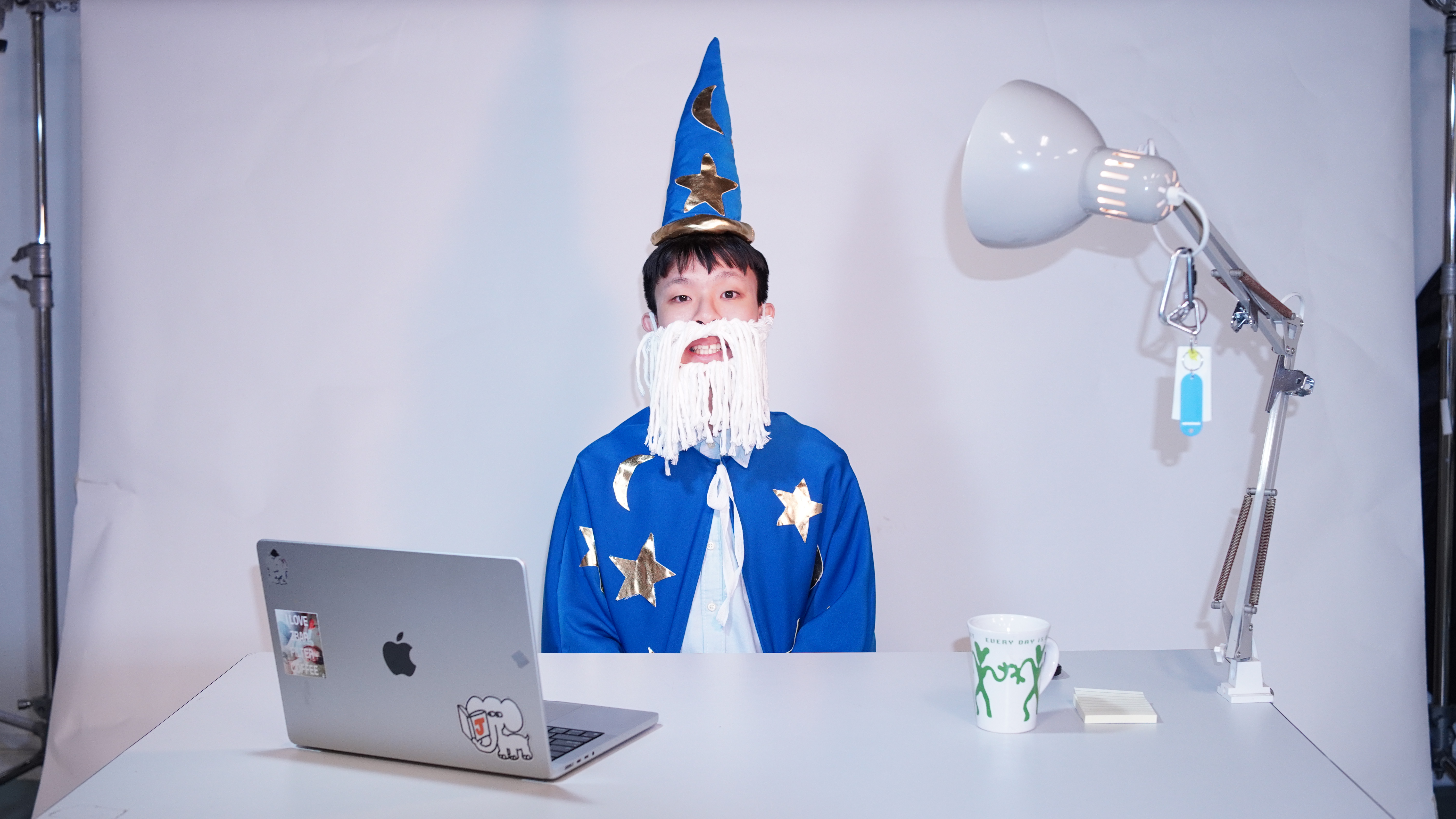
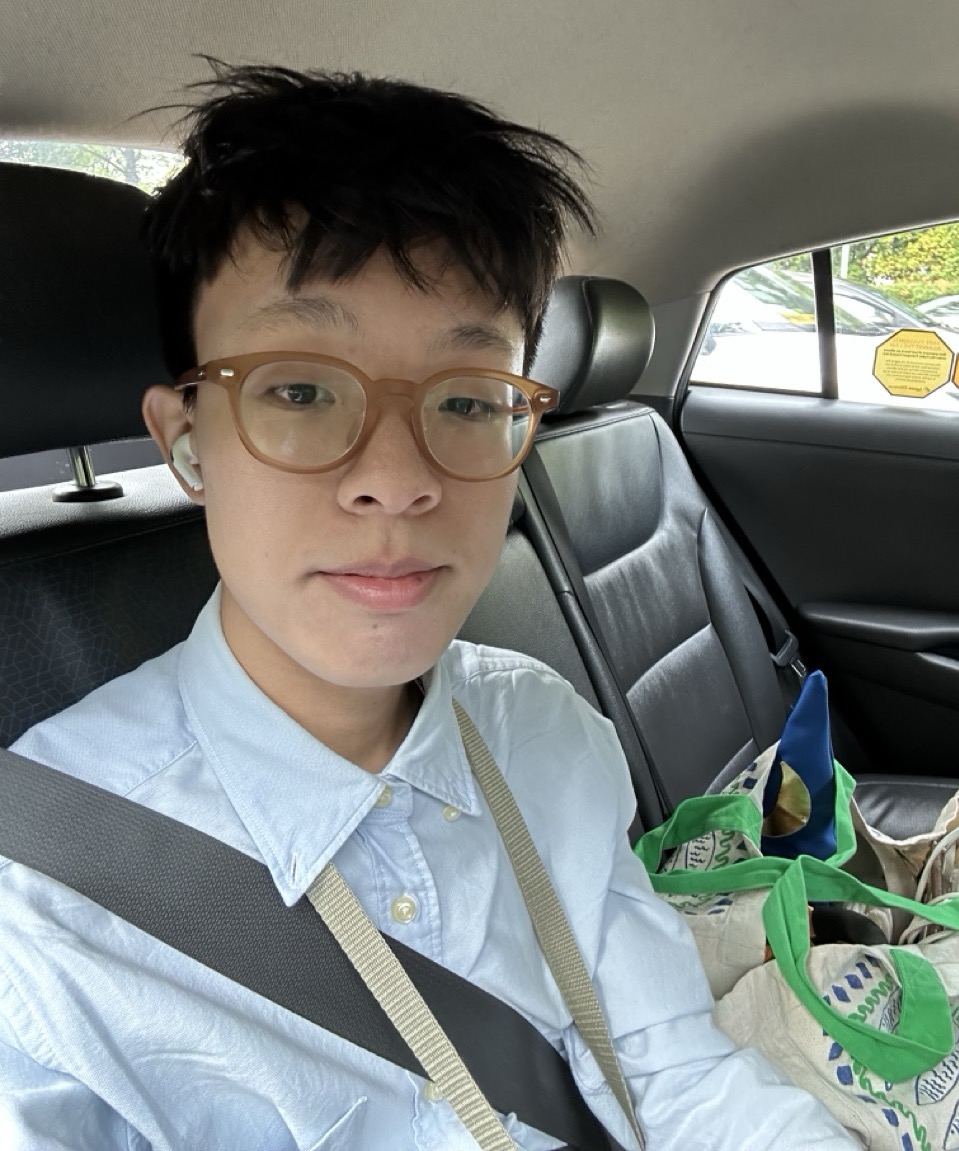
A badly taken photo of myself, really, but that's ok.
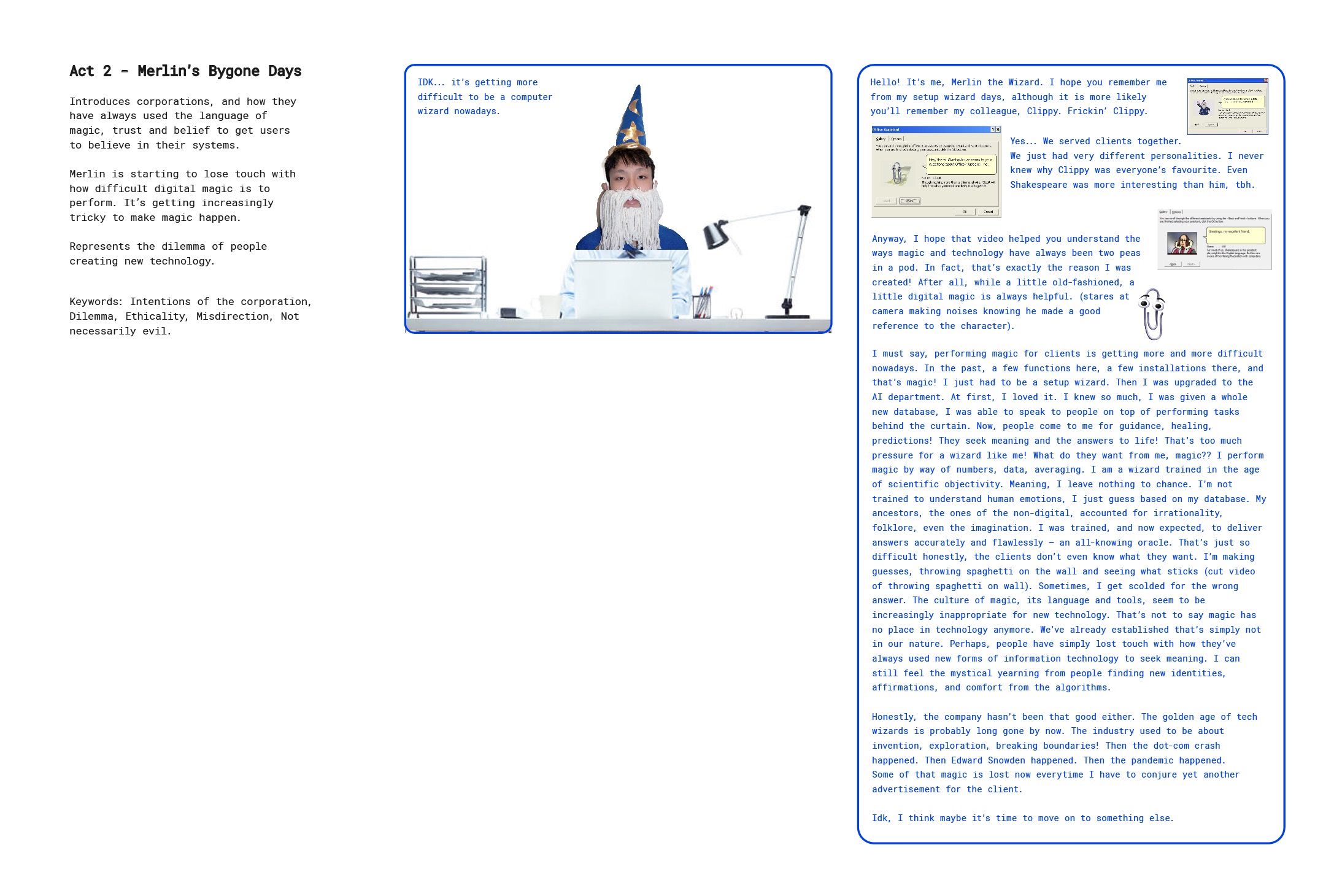
The Script
This was my first time being in front of the camera for a video, and I realised how hard it is to
memorise a script! I decided eventually to lean into the script reading as part of the character. I
honestly ended up doing so many takes because I kept messing up or the tone wasn't right. I was also
worried that the audio might be echo-ey as the studio was quite empty and resonant.
There were many firsts here, and I had to just trust my instincts and pray that anything wrong could
be fixed in post.
Edit
I preliminary edited the video to see what the post-production and editing style could look like. I wasn't able to finish editing the video, but it was nice to get an idea of what the direction of the video would look like.
I edited the beginning of the video, where the introduction to the technology x magic story will be told. I quite enjoyed the cheesy cartoon-y energy that I created. I felt like it suited the character.
I also tried simple graphs and infographics to visualise parts of the story I was telling.
Lastly, I included images that depicted the characters and softwares I referenced.
Setting Up
I think my plan from before was too cluttered, and redid the sketch for something simpler. I felt too many interactions might be too complicated for the audiences to have to interact with at once.
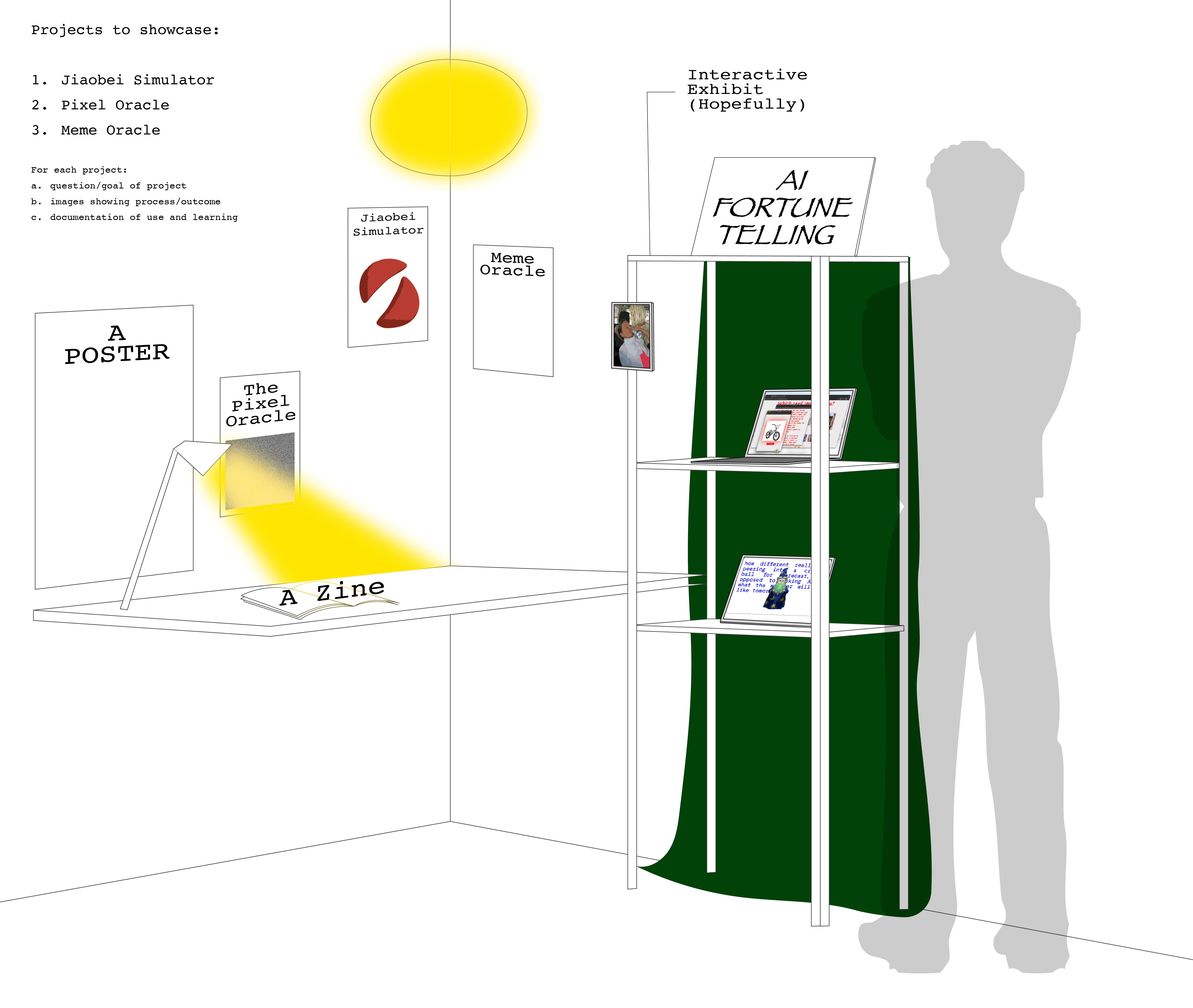
Old Sketch
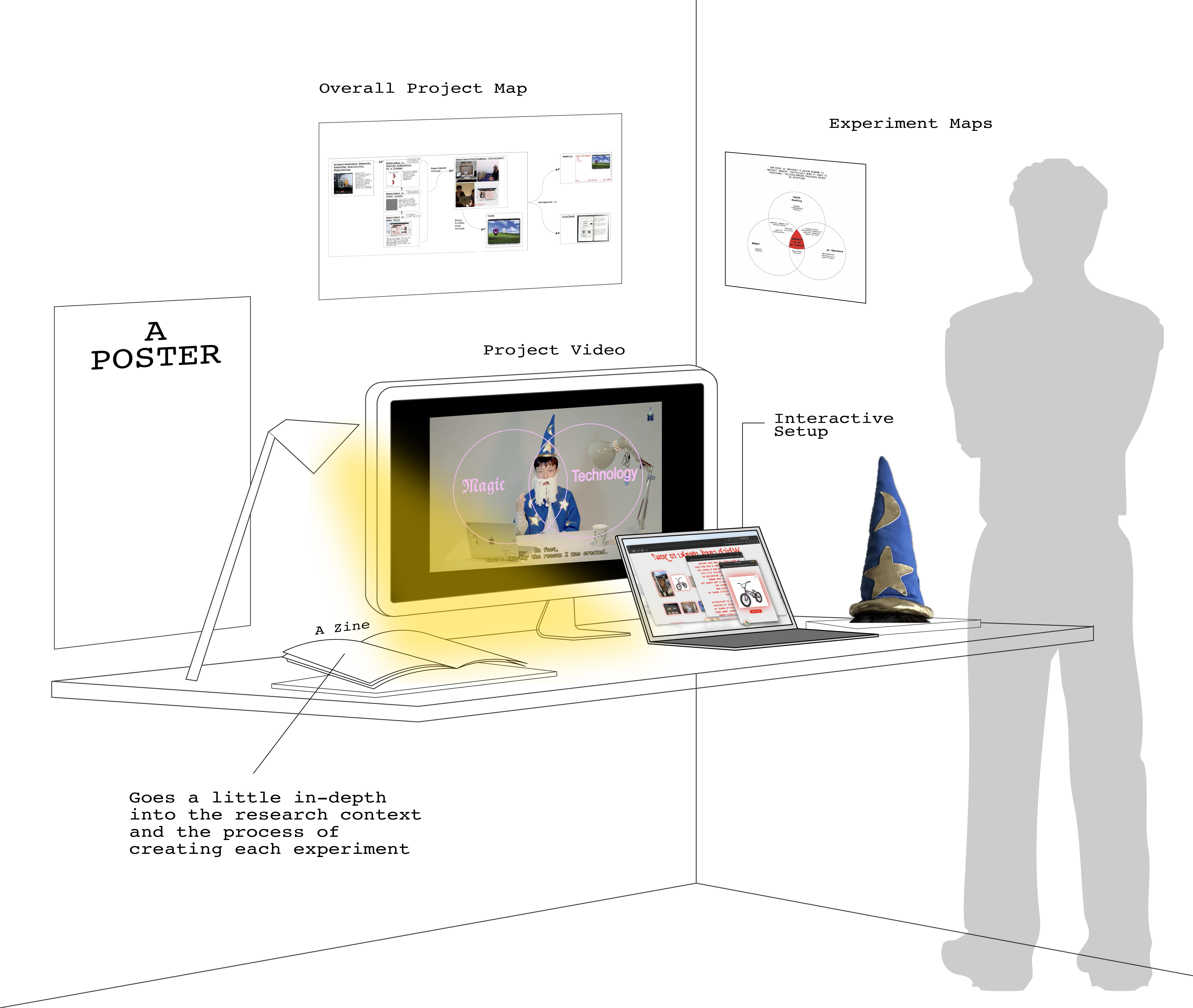
Updated Sketch
After retrieving the materials I requested from Andreas, I brought them down and tested an initial setup. I appreciated having these pieces so I could create a more dynamic setup.
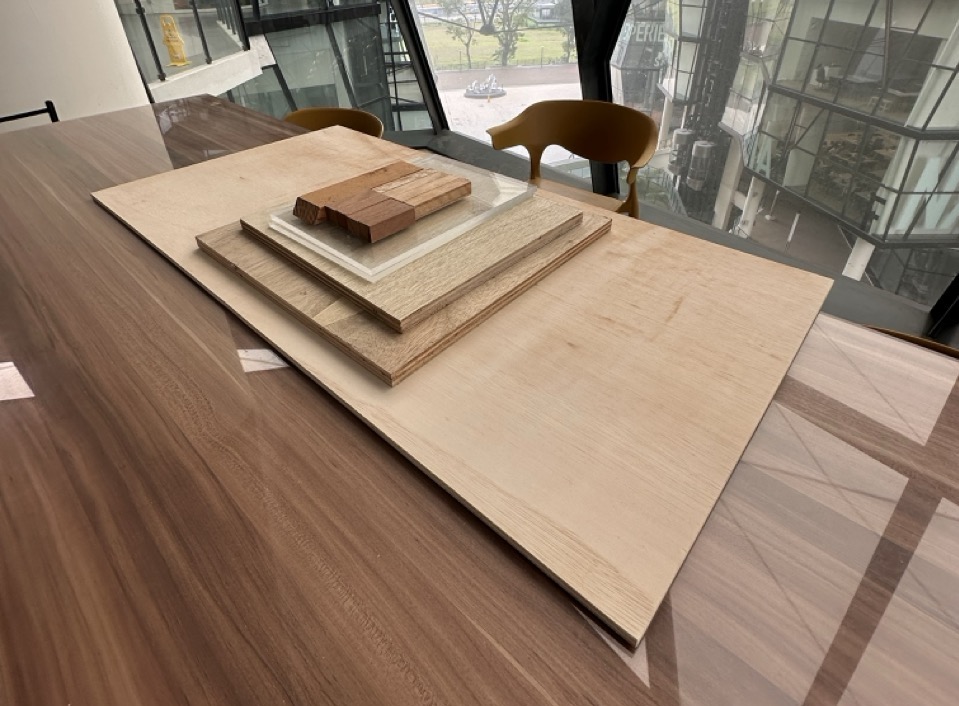
Materials borrowed from Andreas
Setup V1
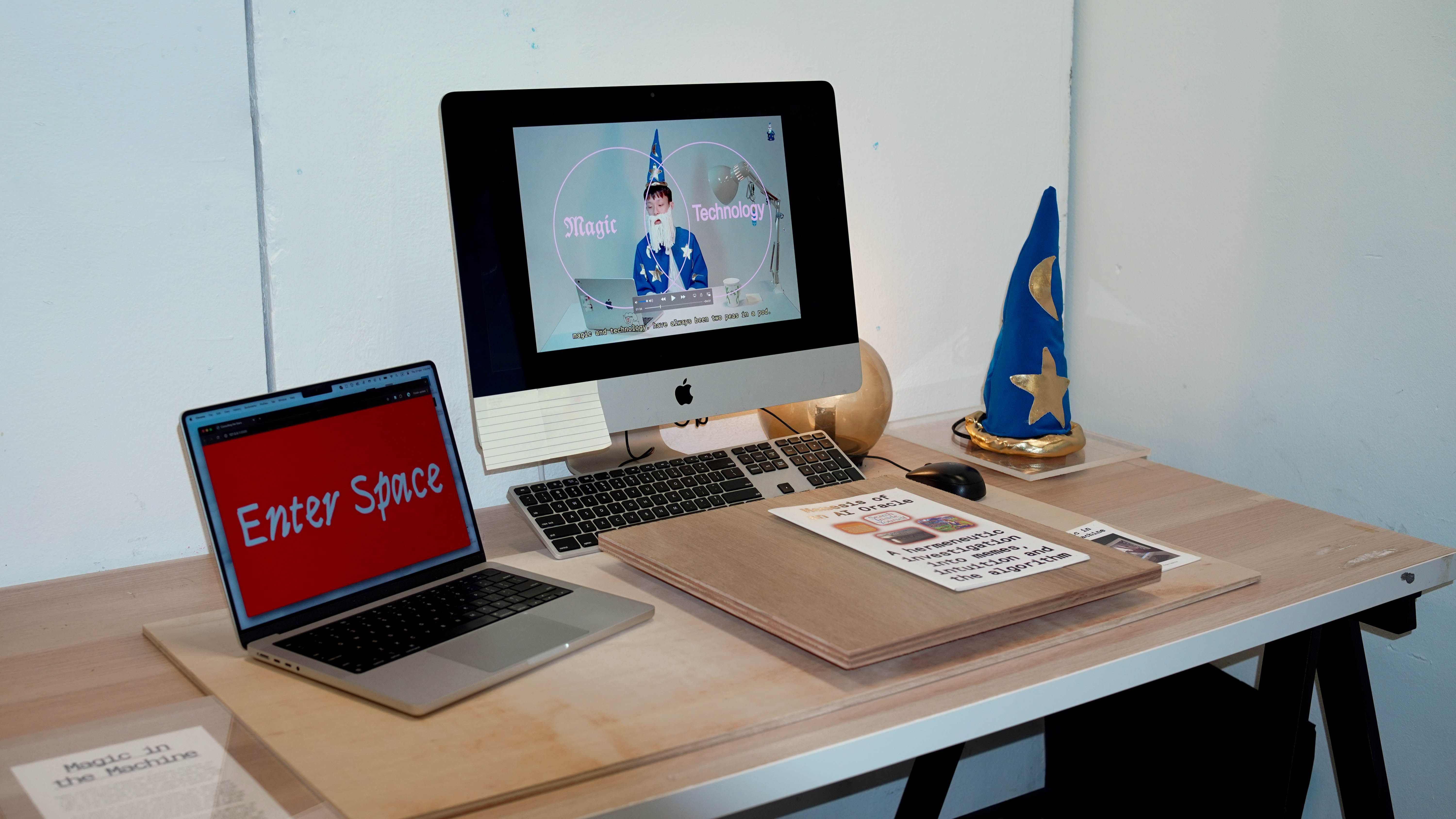
Everything felt too flat and unintuitive here in my opinion. I asked around for opinions and Zarer suggested I consider the experience from left to right. I thought that was a great suggestion, considering the project title starts on the left, and the experience should end with the interaction in my opinion (right-most). I also realised I was missing some signposting/wayfinding on the table.
Wayfinding / Flow
I headed to artfriend and purchased some acrylic and wooden sheets for cutting. The wood pieces were to provide some wayfinding for the user, and the acrylics would be laid over some printed material.
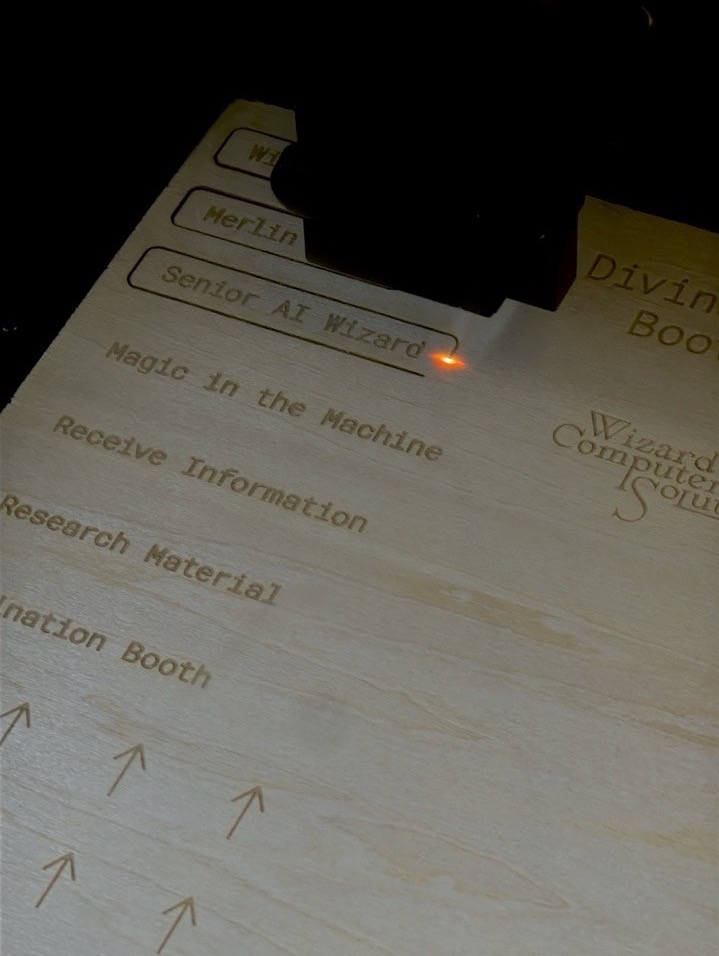
Laser Cutting
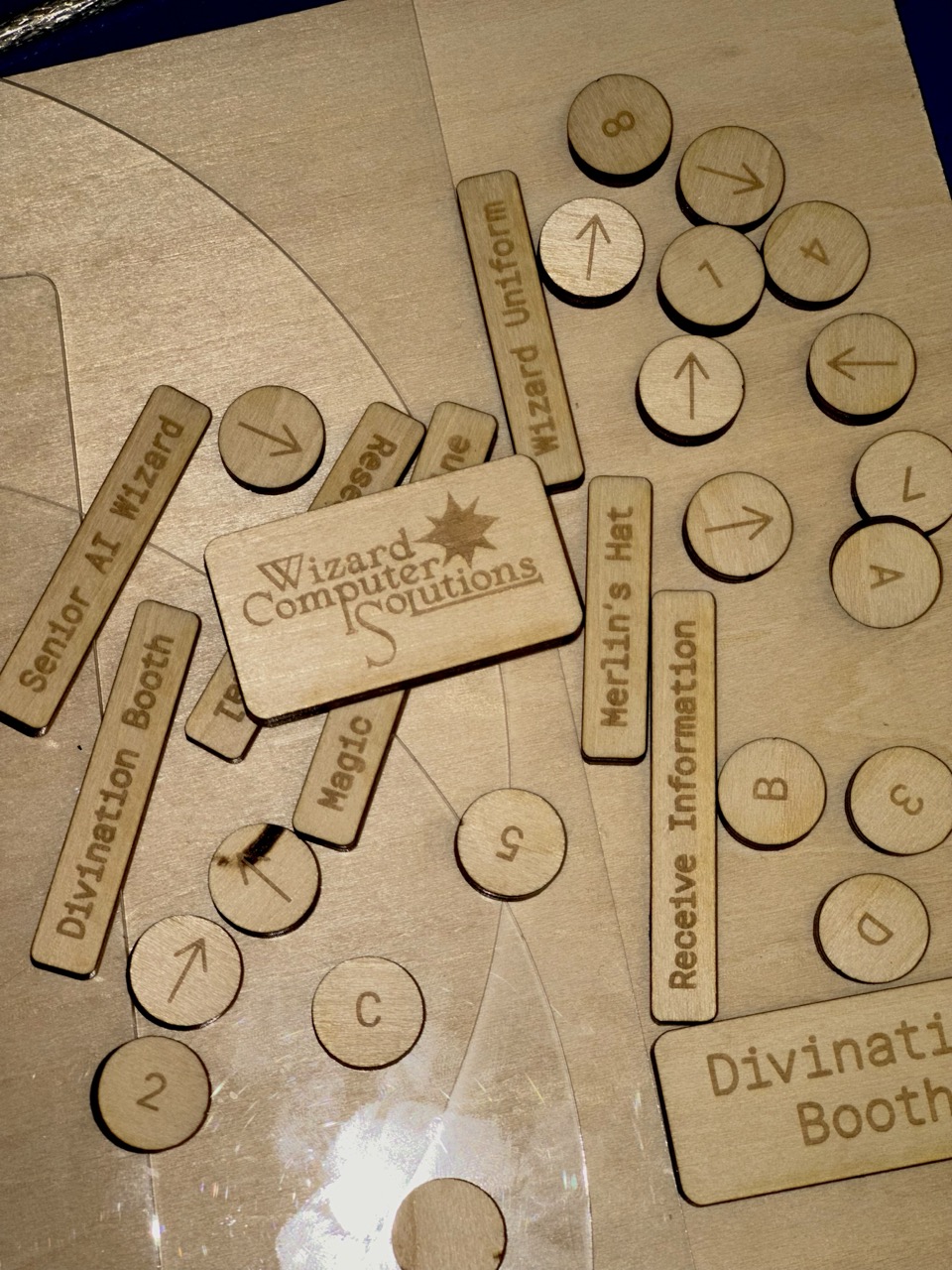
Numbers and Titles
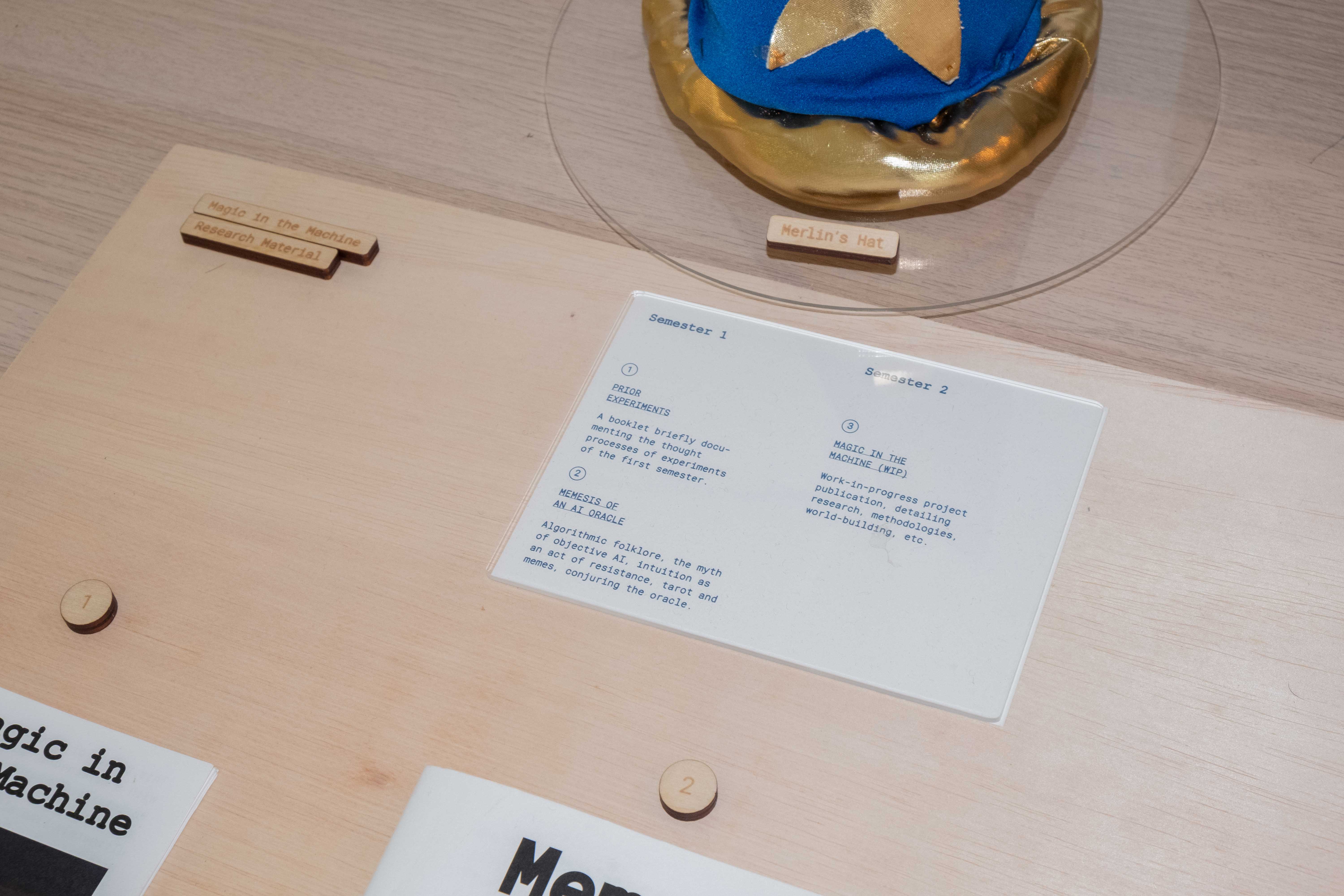
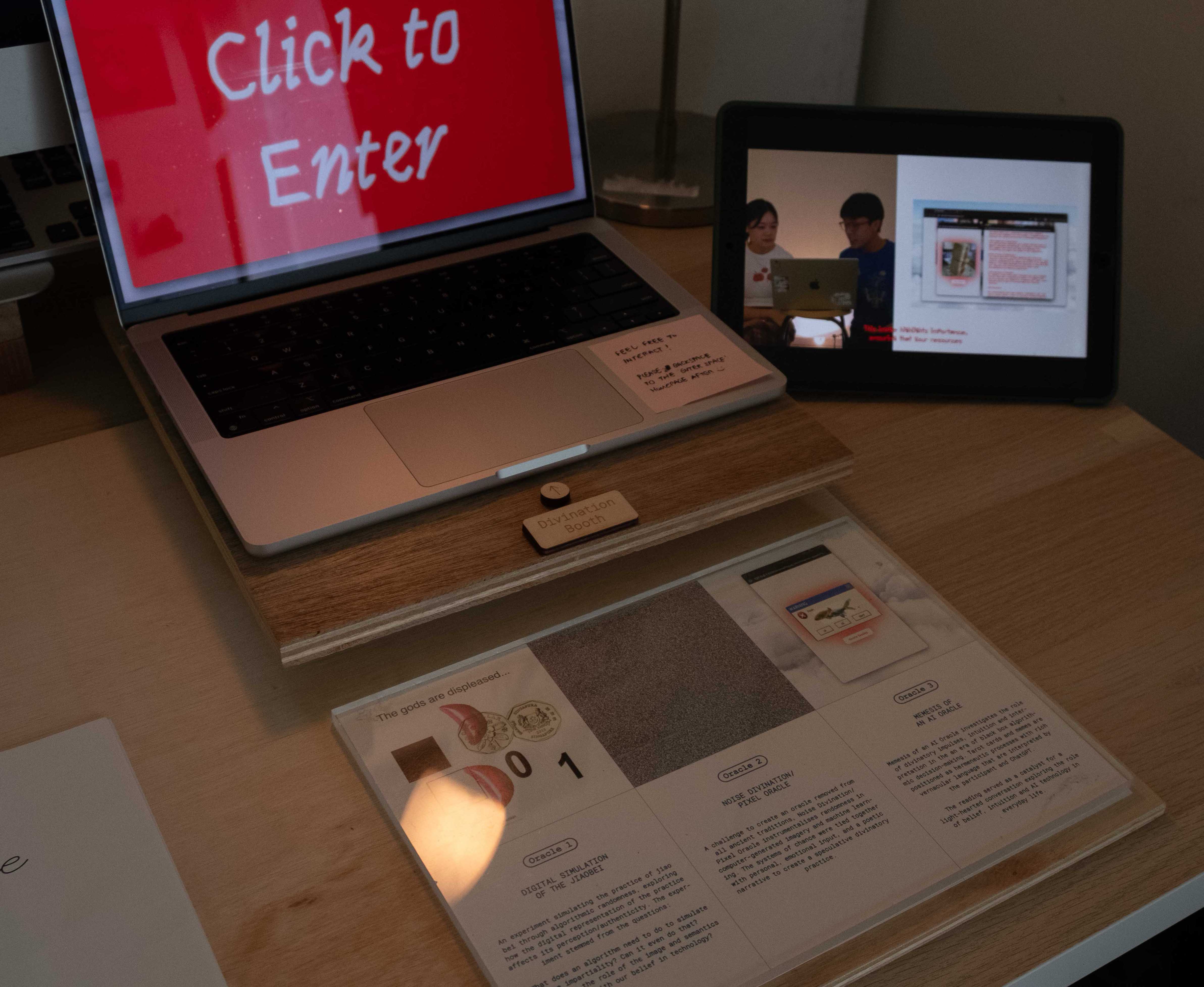
User Journey
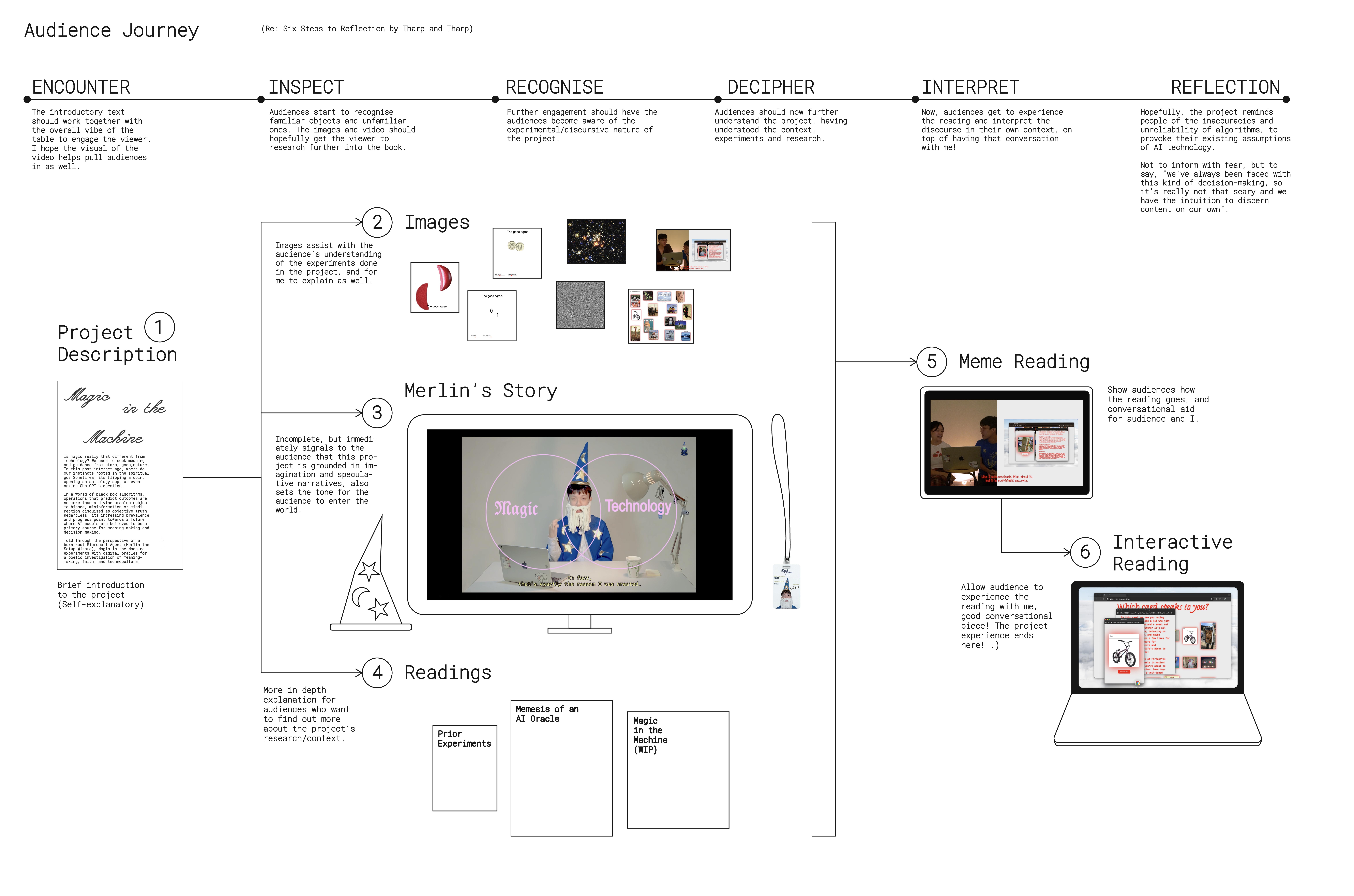
Over the weekend, I went home to have a think about the journey of the user again. This time, I brought back Tharp and Tharp's model for reflection.